BedrockTools Download — Utility & PVP Mod for Minecraft PE (LeviLauncher)
By MrPokeGUpdated 16 Oct 2026
Download BedrockTools for Minecraft PE on Android: a free LeviLauncher mod with 60 modules — ArmorHUD, Keystrokes, Zoom, Fullbright, No Fog, Shulker Preview, Hive tools and a HUD editor.
Version 1.5.6, for Minecraft PE 26.0 to 26.52 on Android. BedrockTools is a native mod for LeviLauncher: it does not load in the normal Minecraft app, and it is not an .mcaddon.
What is BedrockTools?
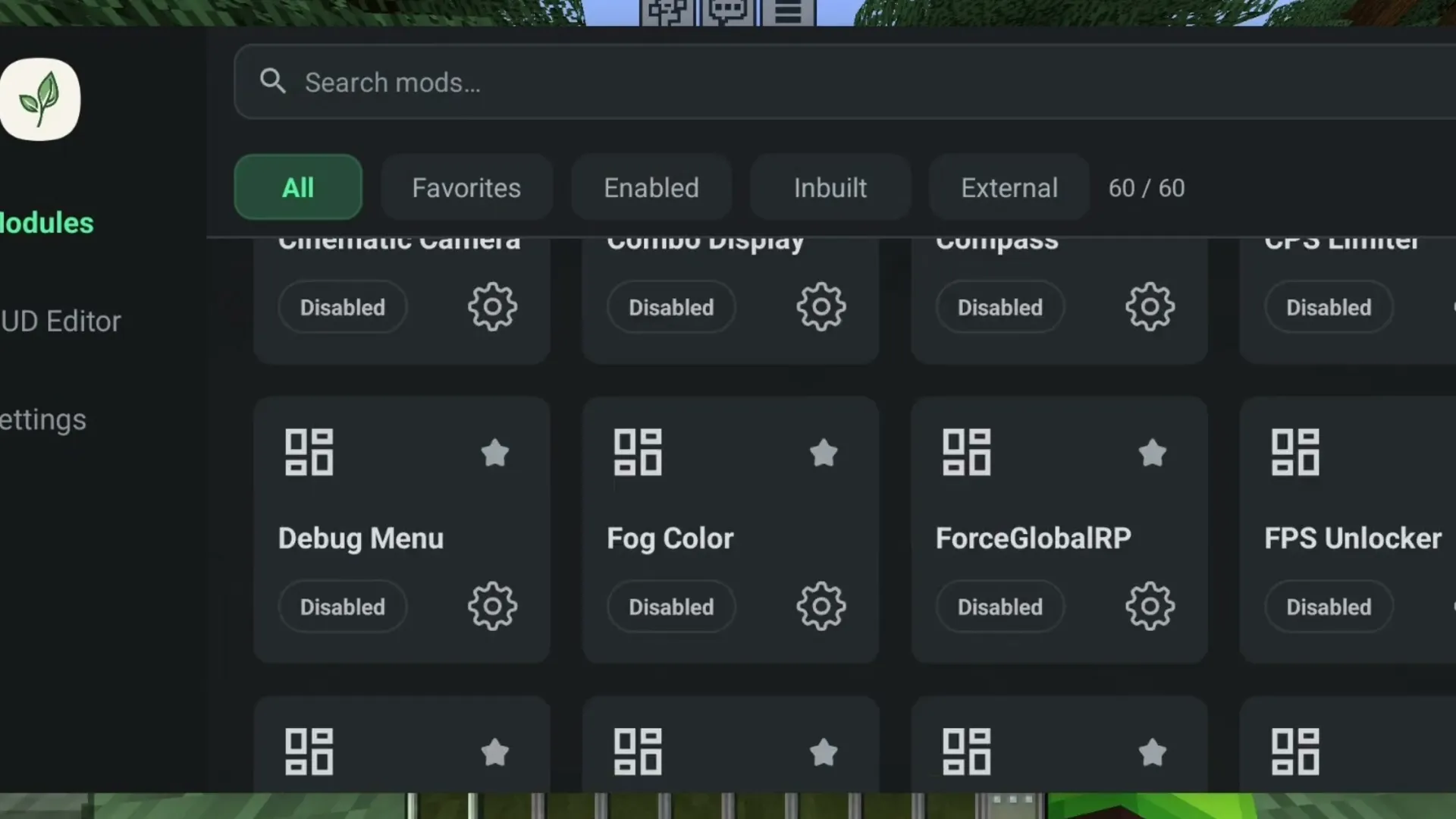
BedrockTools is a free utility mod for Minecraft PE (Bedrock Edition) on Android, made by MrPokeG. It runs inside LeviLauncher and adds a menu of 60 modules you switch on one by one: HUD elements like an armor and potion display, keystrokes and an FPS counter, visual tweaks like Fullbright, No Fog and connected glass, PVP counters, and a set of helpers for The Hive server. Every module has its own settings, and a HUD editor lets you drag each display to the place you want it.
It works like a Java client mod: nothing changes in your worlds, nothing has to be turned on per world, and you can play on servers with it. It is an unofficial mod, not made by Mojang or Microsoft.
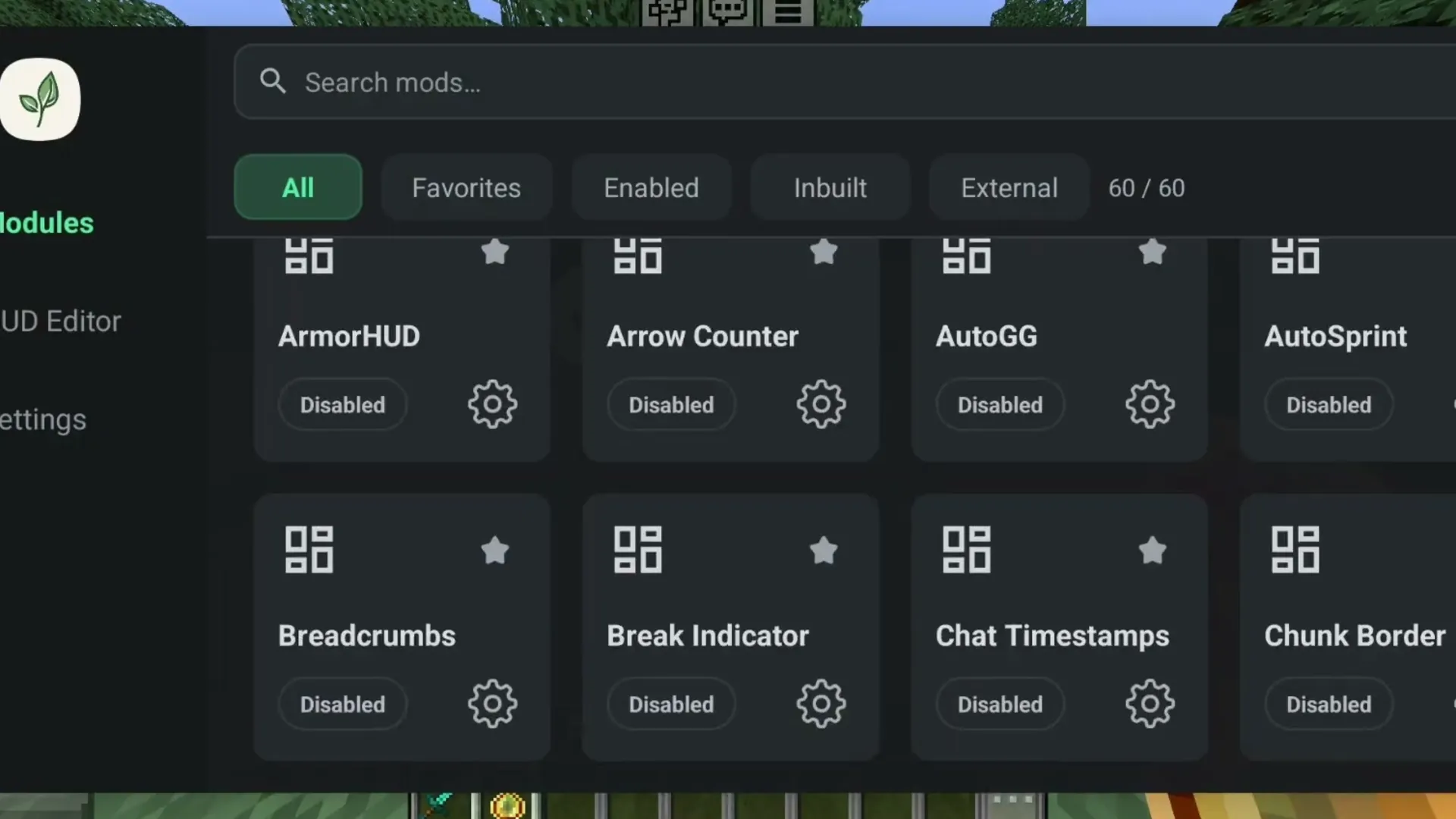 The module menu, with a search box and Favorites, Enabled and Inbuilt tabs. Image: MrPokeG on YouTube
Modules
HUD and info
- ArmorHUD shows your helmet, chestplate, leggings and boots with their durability; PotionHUD lists your effects and how long they last.
- Keystrokes, FPS Display, CPS Display and Ping Counter.
- Player Coords, Compass, Speed Display (in m/s) and World Time.
- Item Durability, Arrow Counter, Totem Counter and Pot Counter.
- Chat Timestamps, Chat Heads and a Debug Menu with your position, chunk and frame times.
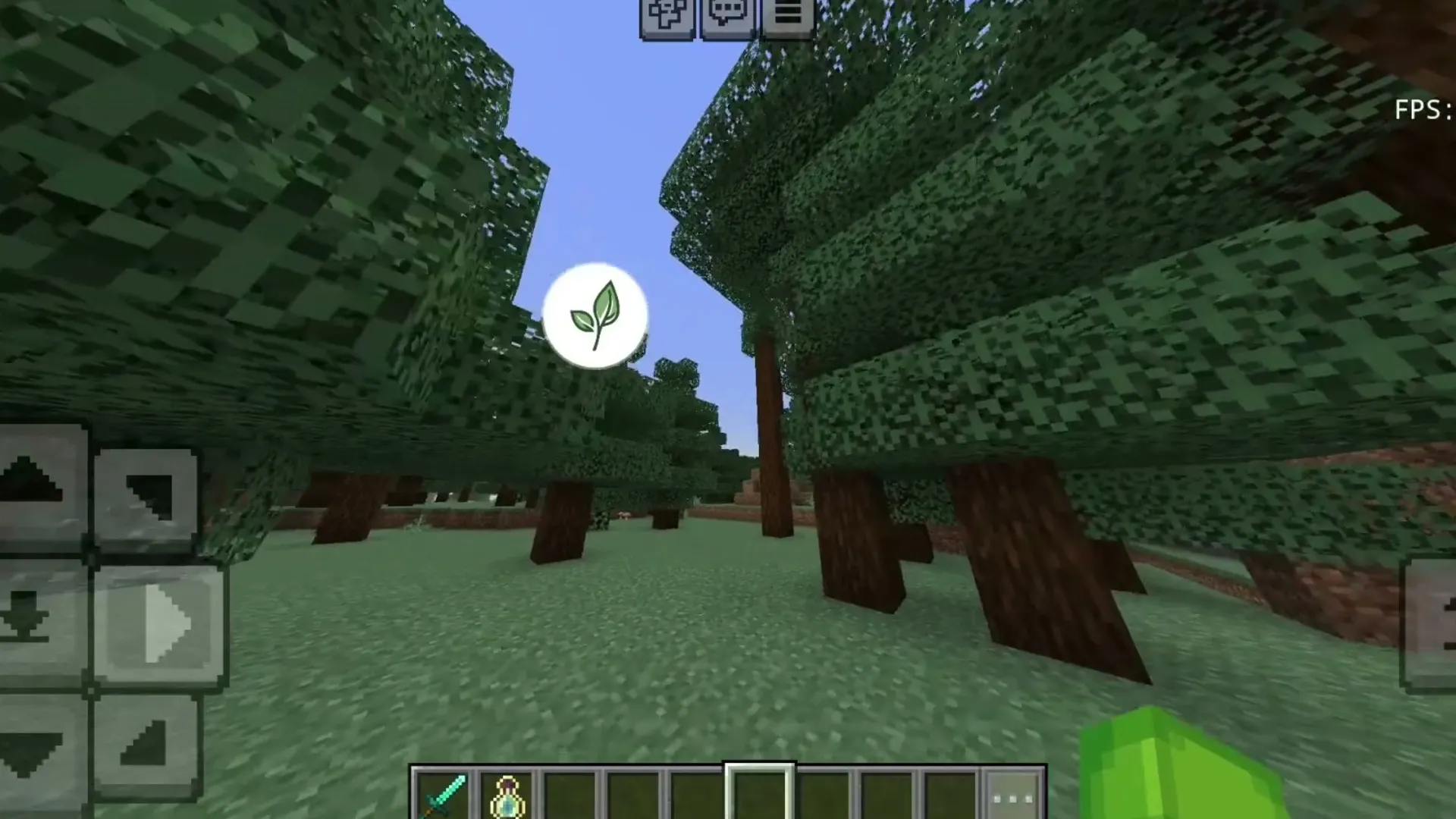 Keystrokes in the top-left corner and the FPS counter in the top-right. Image: MrPokeG on YouTube
Visuals
- Fullbright and NoFog to see in the dark and far away; Fog Color to tint the fog instead.
- Connected Glass for seamless glass panes and blocks, Glint Color for the enchantment shine.
- Zoom, Cinematic Camera with letterbox bars, Motion Blur, View Model and Swing Modifier.
- Time Changer and Weather Changer: set your own time of day or weather, on your screen only.
- ShulkerPreview shows what is inside a shulker box when you look at the item.
- Hitbox, Chunk Border, Light Overlay, Break Indicator, TNT Timer and Breadcrumbs.
- Third Person Nametag shows your own name tag in third person.
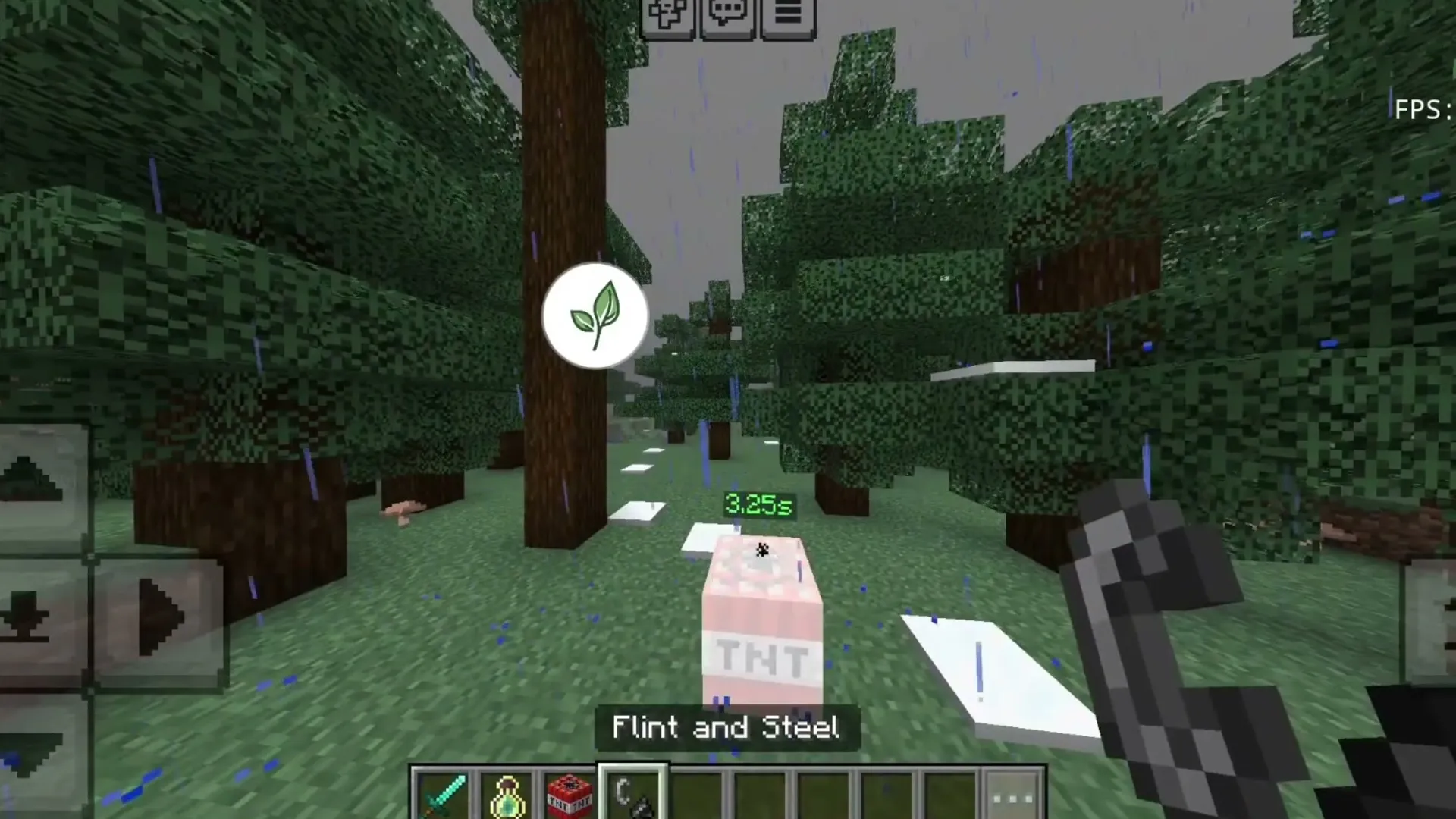 TNT Timer: the seconds left before lit TNT explodes. Image: MrPokeG on YouTube
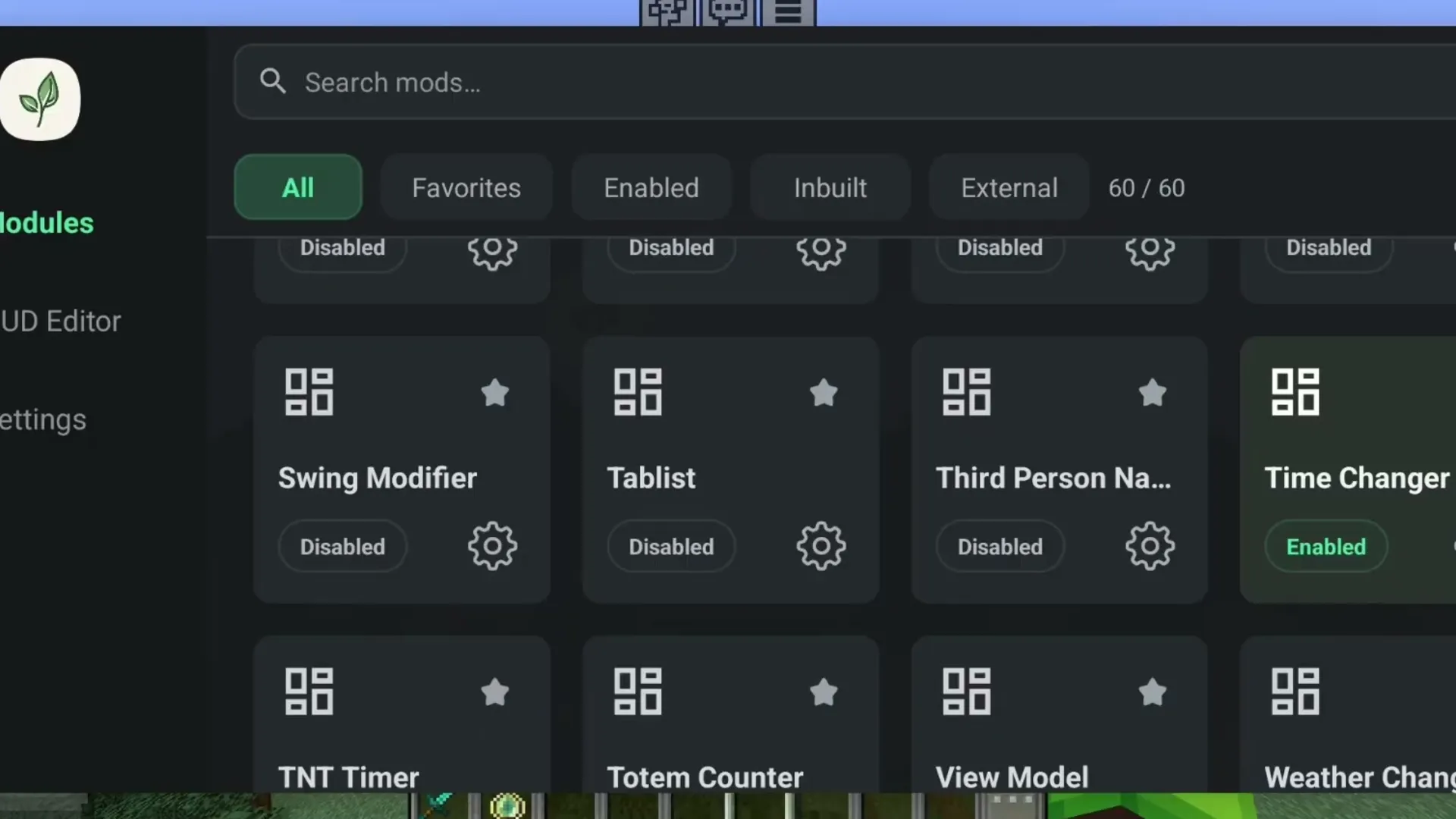 Time Changer, Weather Changer, Totem Counter and View Model in the list. Image: MrPokeG on YouTube
Player and PVP
- AutoSprint, Quick Loot and an FPS Unlocker.
- Combo Display (consecutive hits) and Reach Counter for PVP practice; a CPS Limiter.
- Nick changes the name you see on your own screen only.
The Hive
- Hive Utils: AutoGG, automatic requeue after a game, preferred and avoided maps with automatic map votes, and a filter for the server's chat messages.
- One-tap copy of a game's join code.
 Each module has its own settings — here, the size of each armor piece in ArmorHUD. Image: MrPokeG on YouTube
What you need
- An Android phone or tablet that runs LeviLauncher (64-bit, Android 9 or newer).
- Minecraft from Google Play, any version from 26.0 to 26.52. LeviLauncher starts the game you already own.
- Not for iPhone, Windows or consoles: BedrockTools is an Android native mod.
How to install BedrockTools
- Install LeviLauncher and start Minecraft with it once.
- Download BedrockTools-1.5.6.levipack with the button at the end of this page. Keep it in the main Downloads folder.
- Open LeviLauncher, go to Mods and tap Scan. Tap Add next to BedrockTools. (Opening the downloaded file also hands it to LeviLauncher.)
- Make sure BedrockTools is turned on in the mod list, then launch Minecraft from LeviLauncher.
- In the game, tap the LeviLauncher button to open the mod menu and switch modules on. Use HUD Editor to move the displays.
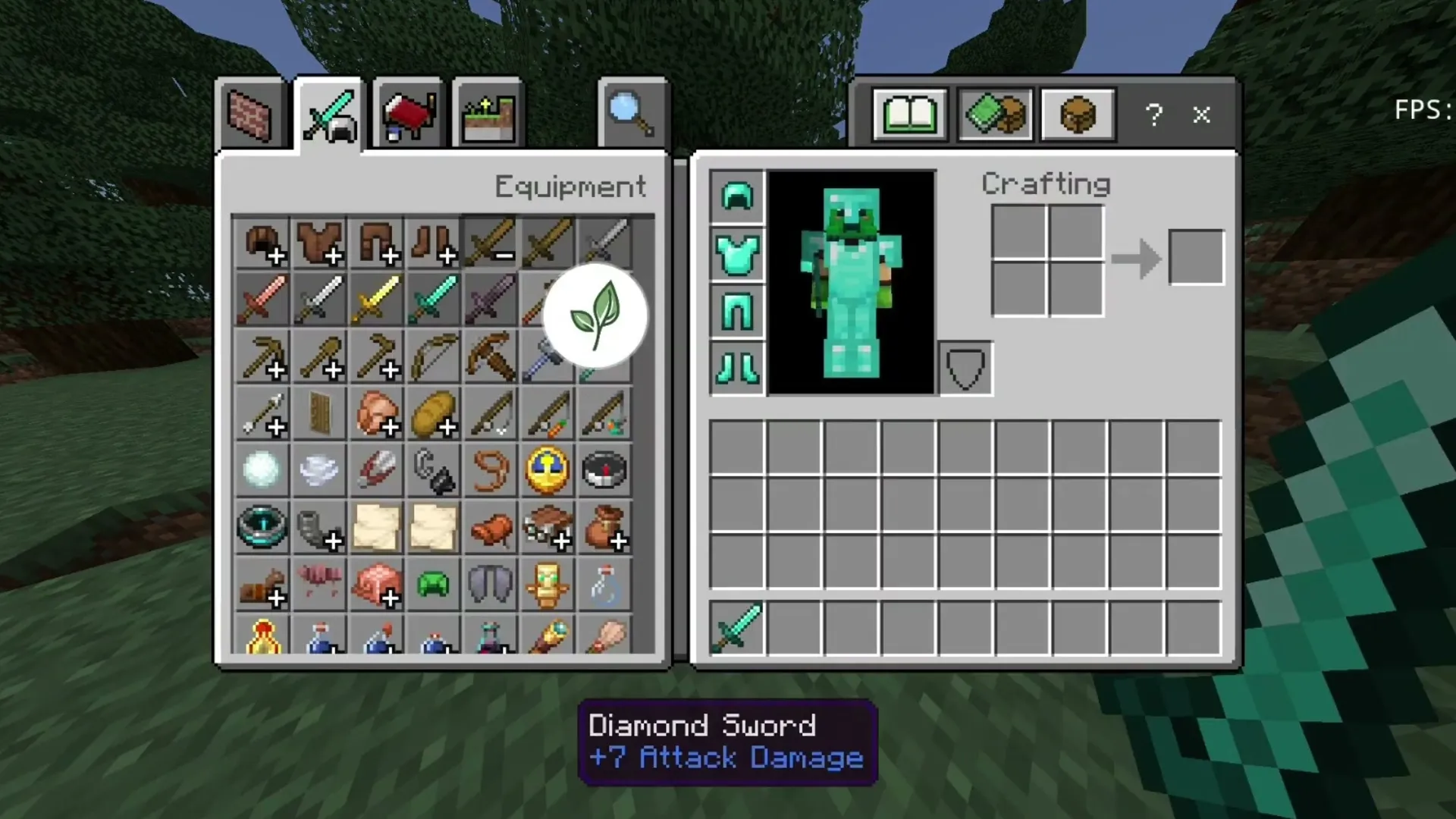 Glint Color on enchanted diamond gear. Image: MrPokeG on YouTube
Good to know
- BedrockTools hooks into the game's code, so each release works up to the newest Minecraft it was built for. If Minecraft updates past that and the game closes on start, turn the mod off in LeviLauncher until a new BedrockTools is out — we post it here.
- Some servers do not allow client mods, and PVP counters or a CPS limiter can be against a server's rules. Check before you join with them on.
- For an offhand slot on Android, see MrPokeG's Offhand mod, which installs the same way.
Download BedrockTools
BedrockTools-1.5.6.levipack
Latest26.52+1226.52
26.51
26.50
26.40
26.30
26.20
26.13
26.12
26.11
26.10
26.3
26.0.02
26.00.72 MB · 16 Oct 2026
Download