Caves and nights in Minecraft can be too dark to see anything. The usual fixes are a night vision texture pack or the /effect command, but commands need cheats, and turning cheats on disables achievements for that world.
The Minecraft APK on GetMCPE has a simpler way. Its Display brightness slider goes up to 200%, while the regular app stops at 150%. At 200% caves and nights are far easier to see.
How to turn it on
- Open Settings. You can do it from the main menu, or from the pause menu while you are in a world.
- Tap Video.
- Scroll down to Display brightness and tap Adjust.
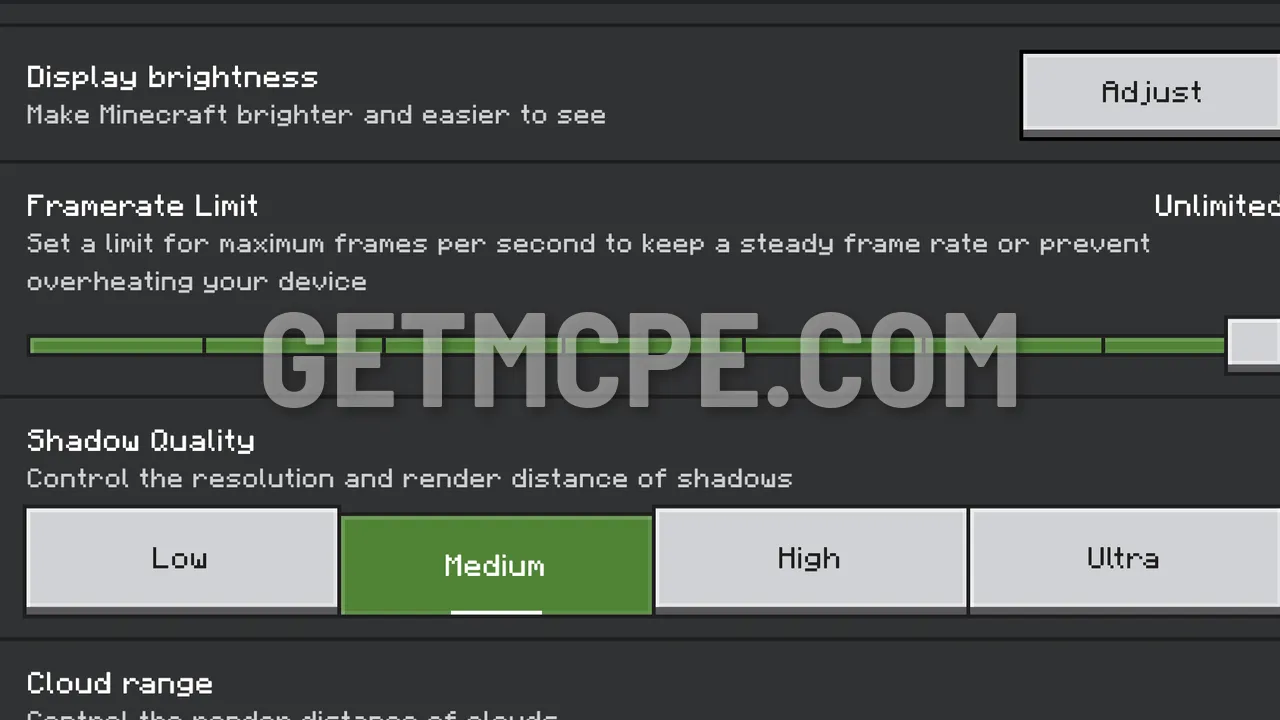 Settings, Video, Display brightness: tap Adjust
- The slider starts at 100%.
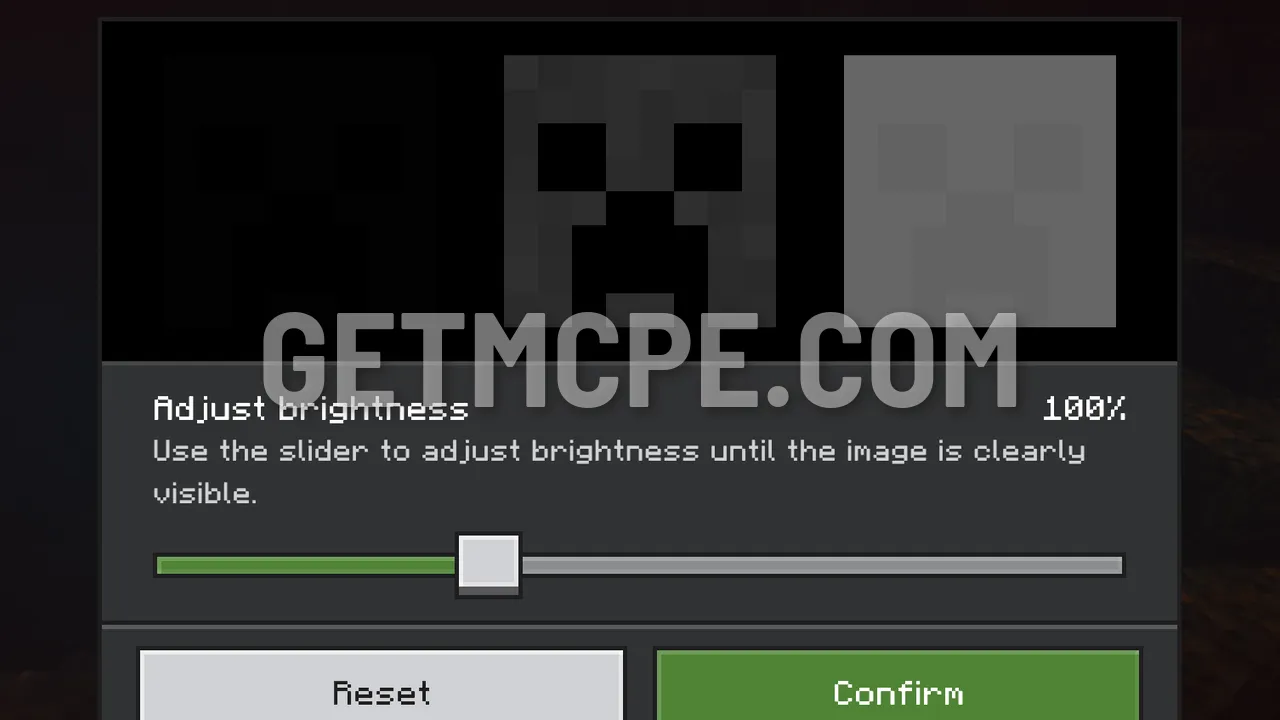 Adjust brightness at the default 100 %
- Drag the slider all the way to the right, to 200%. The squares in the preview get much brighter.
- Tap Confirm.
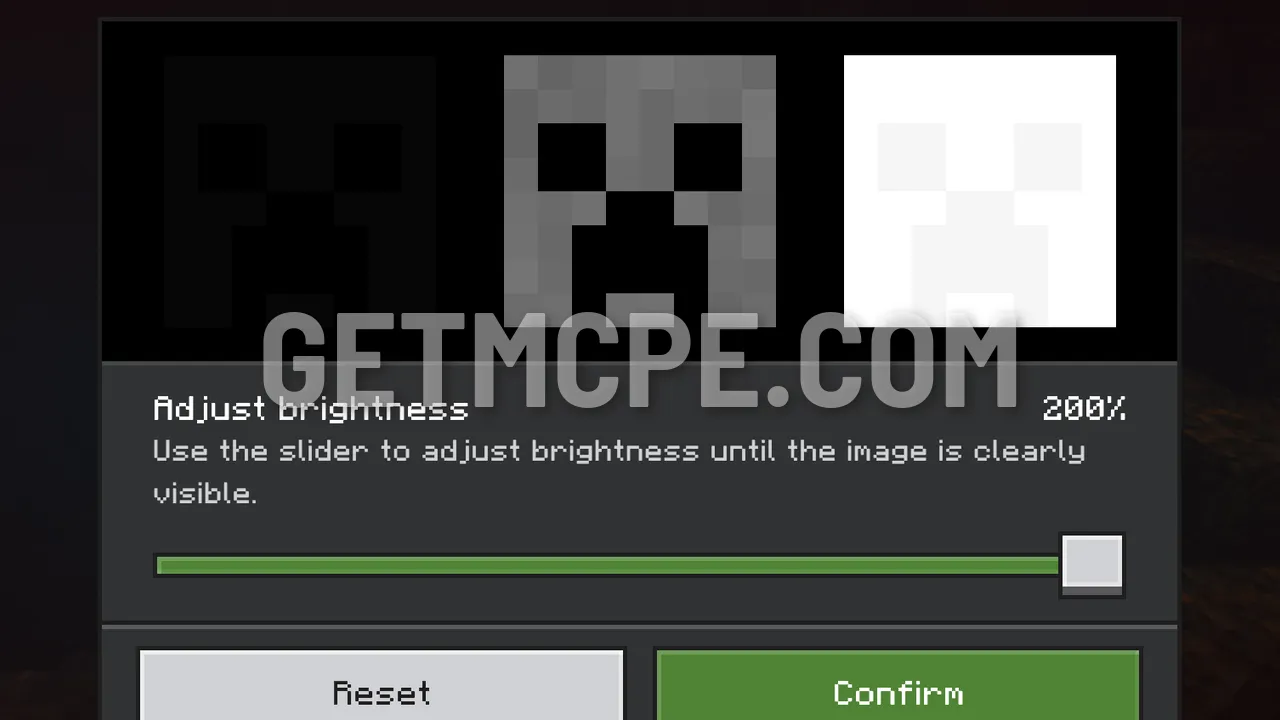 Slider at 200 %: the preview squares are much brighter than at 100 %
How to turn it off
Go back to Settings, then Video, then Display brightness, and tap Adjust. Tap Reset to return to 100%, then Confirm. Any value in between works too.
Good to know
- It is a video setting, so it works in every world, single-player and multiplayer, with no texture pack and no cheats.
- Achievements stay on.
- Only your screen gets brighter. Mobs still spawn in the dark as usual.
Get the Minecraft APK with brightness up to 200% on the Minecraft APK page.