You open the Minecraft APK and Android shows "There was a problem parsing the package." with only an OK button. Android could not read the file, so it cannot install it. There are two usual causes.
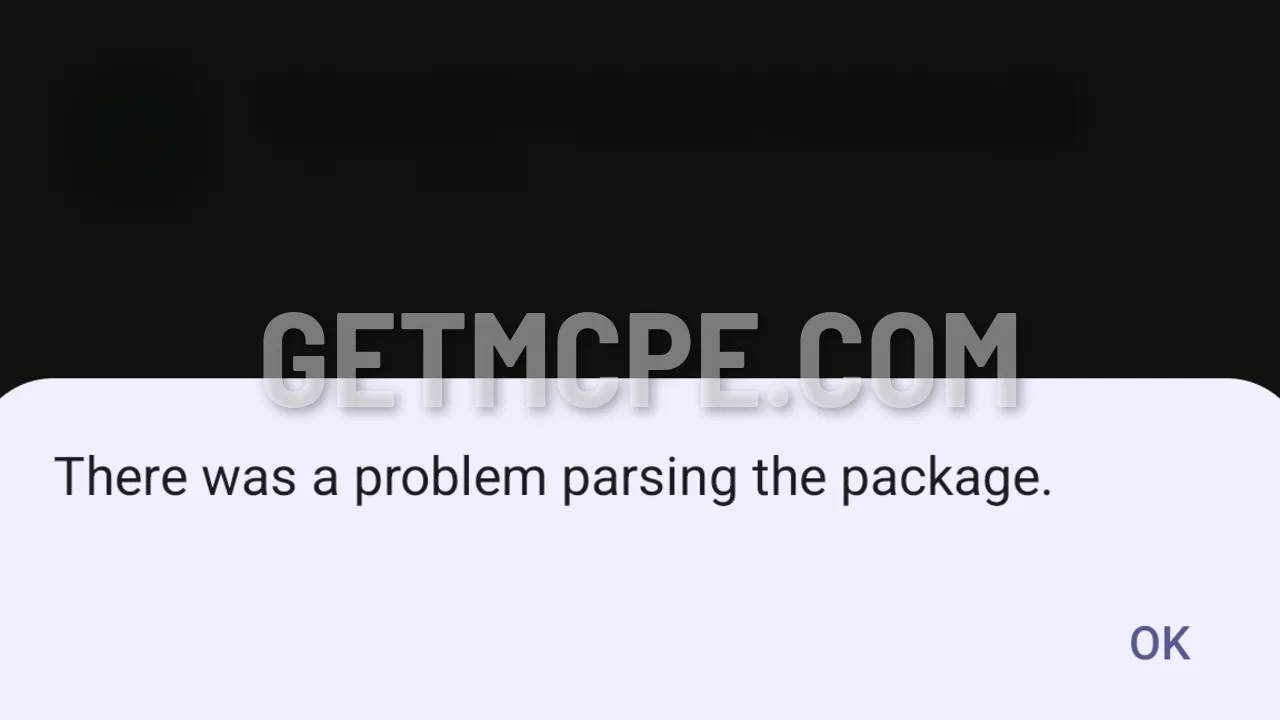 The installer refuses the file: There was a problem parsing the package
1. Your Android version is too old
The current Minecraft APKs need Android 12L or newer. On most phones that means Android 13 or newer, because Android 12L came out mainly for tablets and foldables. On Android 12 or older, the installer cannot read the file and shows this error.
To check your version, open Settings, then About phone, and look at Android version.
If your phone is on Android 12 or older, check for a system update in Settings. There is no setting in the APK that lets it install on an older Android.
2. The download is incomplete or broken
A file that stopped downloading halfway gives exactly this error. The Minecraft APK is about 1.1 GB, so a short drop in your connection can cut it off without you noticing.
- Delete the file you downloaded.
- Download it again on a stable Wi-Fi connection.
- Wait until the download has fully finished before you open the file.
- Check the size of the file in your downloads. It should be about 1.1 GB, not a few hundred MB.
If the download keeps stopping, try another browser, or a download manager app that can resume a dropped download.
Still not working?
If Android says "App not installed" instead, that is a different problem, usually Minecraft from Google Play already on your phone. See how to fix "App not installed".
Get the latest file on the Minecraft APK page.