W Client APK — Hack Client & Toolbox for Minecraft PE (Android)
By RetrivedModsUpdated 22 Nov 2026
Download W Client for Minecraft PE on Android: an open-source toolbox client with KillAura (W Aura), Fly, Jetpack, ESP, Free Camera, Inventory Helper, a server list, saved configs and an FPS boost.
W Client 39.0 for Minecraft PE 26.66, on Android. Uninstall any W Client you got elsewhere before you install this one.
What is W Client?
W Client is a toolbox client for Minecraft PE (Bedrock Edition) on Android, made by RetrivedMods and published as open source. It is its own app: you pick a server in it, it starts the game with its modules loaded, and a menu over the game switches them on and off. Besides the cheats it has a few comforts — a server list, saved configs and lighter rendering for weak phones. It is an unofficial client, not made by Mojang or Microsoft.
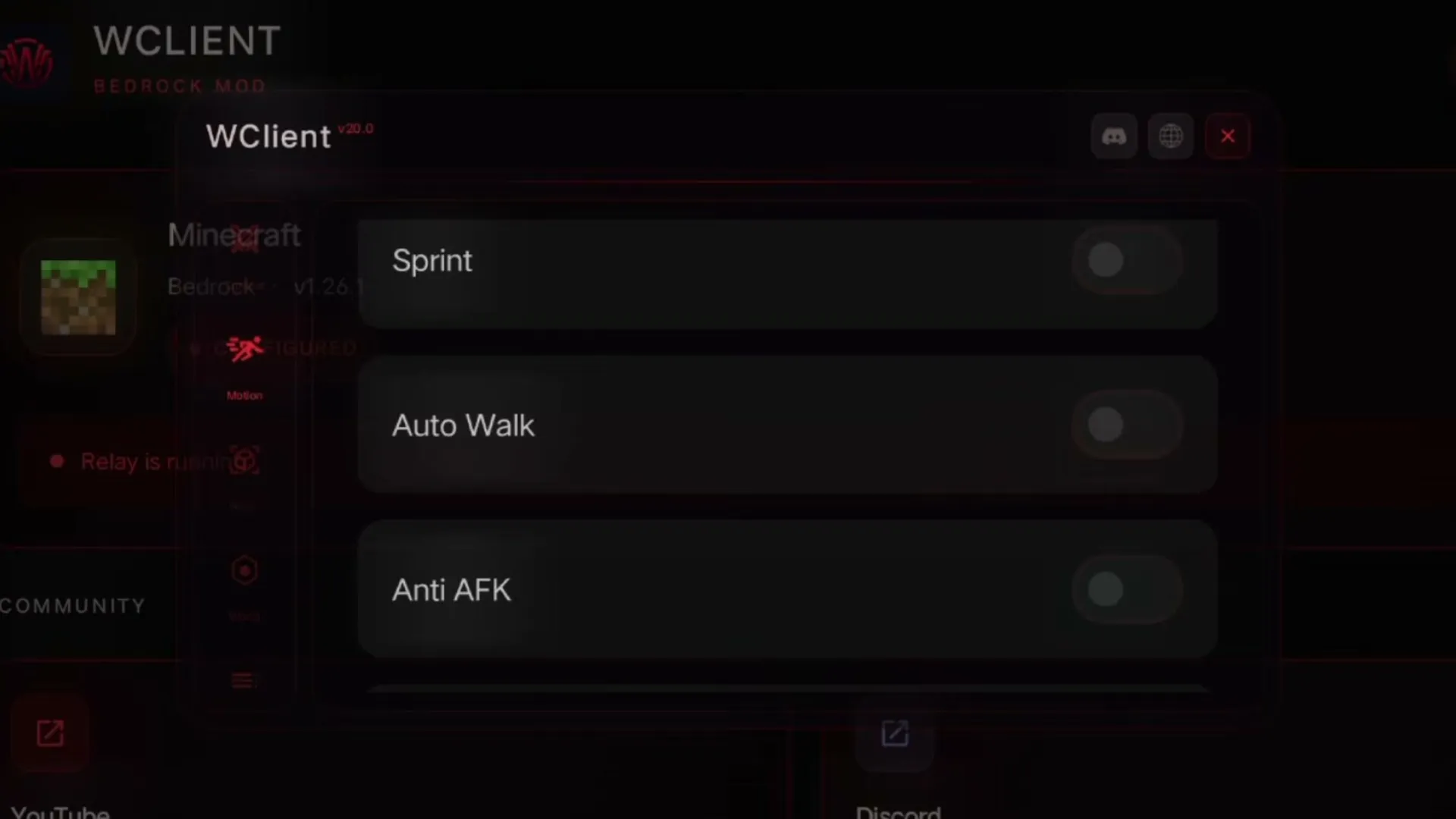 The module menu: Sprint, Auto Walk, Anti AFK. Image: Retrived Gamer on YouTube
Features
- Combat: W Aura (its KillAura, with range and CPS settings), Trigger Bot, Switcher and a target HUD.
- Movement: Fly, Jetpack, Speed, Sprint, Auto Walk and Player TP.
- Visuals: ESP with 2D, 3D or corner boxes and tracers, Free Camera, No Hurt Camera, damage text.
- World: Time Shift and Weather Controller change what you see, client-side.
- Inventory Helper: steals chests, equips the best armor and fills your offhand.
- Misc: Auto Disconnect, Anti AFK, an ArrayList of active modules, coordinates, a speed display and a position logger.
- Servers and configs: a built-in list (Lifeboat, CubeCraft, NetherGames and more), config import / export and a global chat.
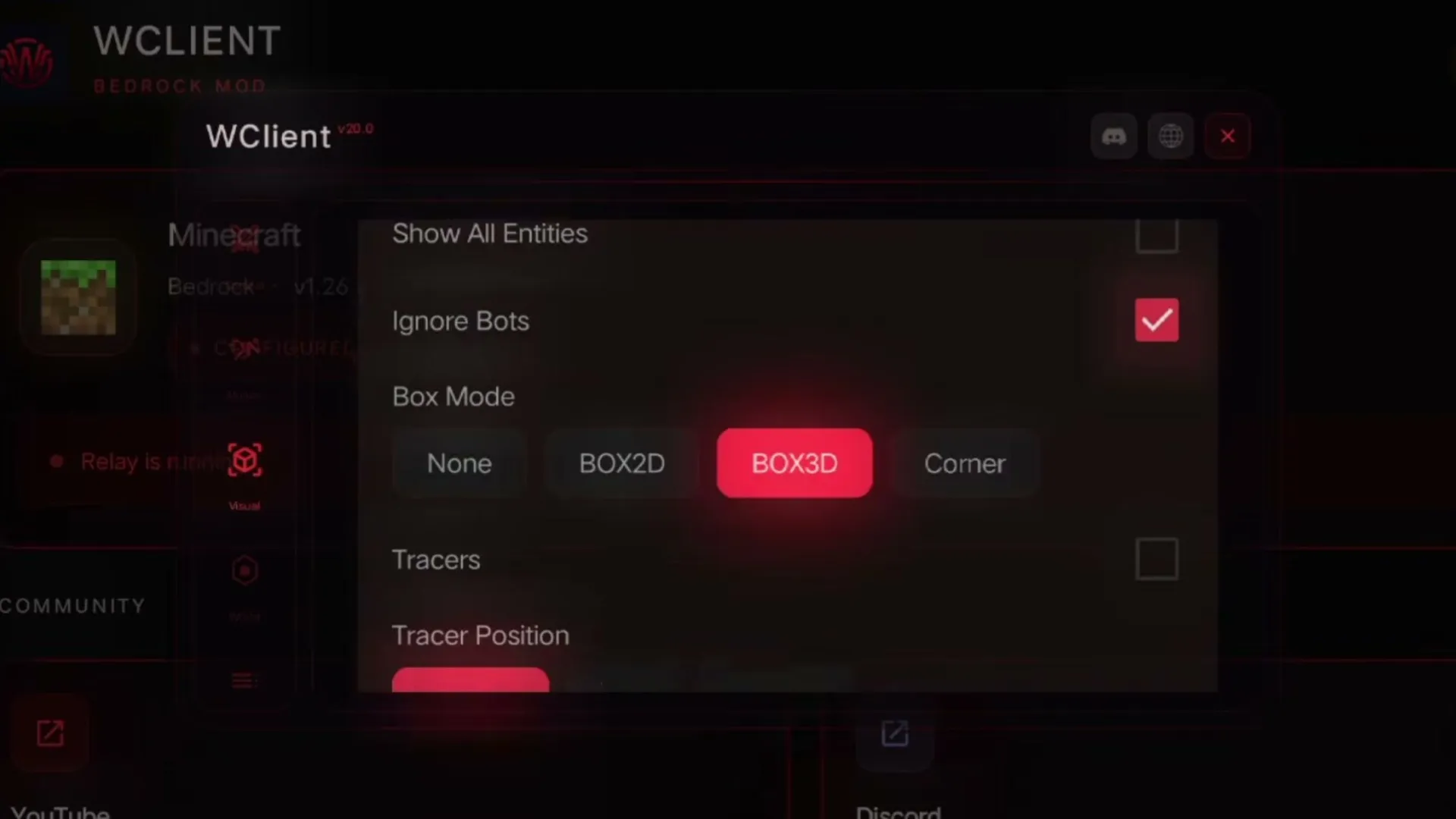 ESP: box mode and tracers. Image: Retrived Gamer on YouTube
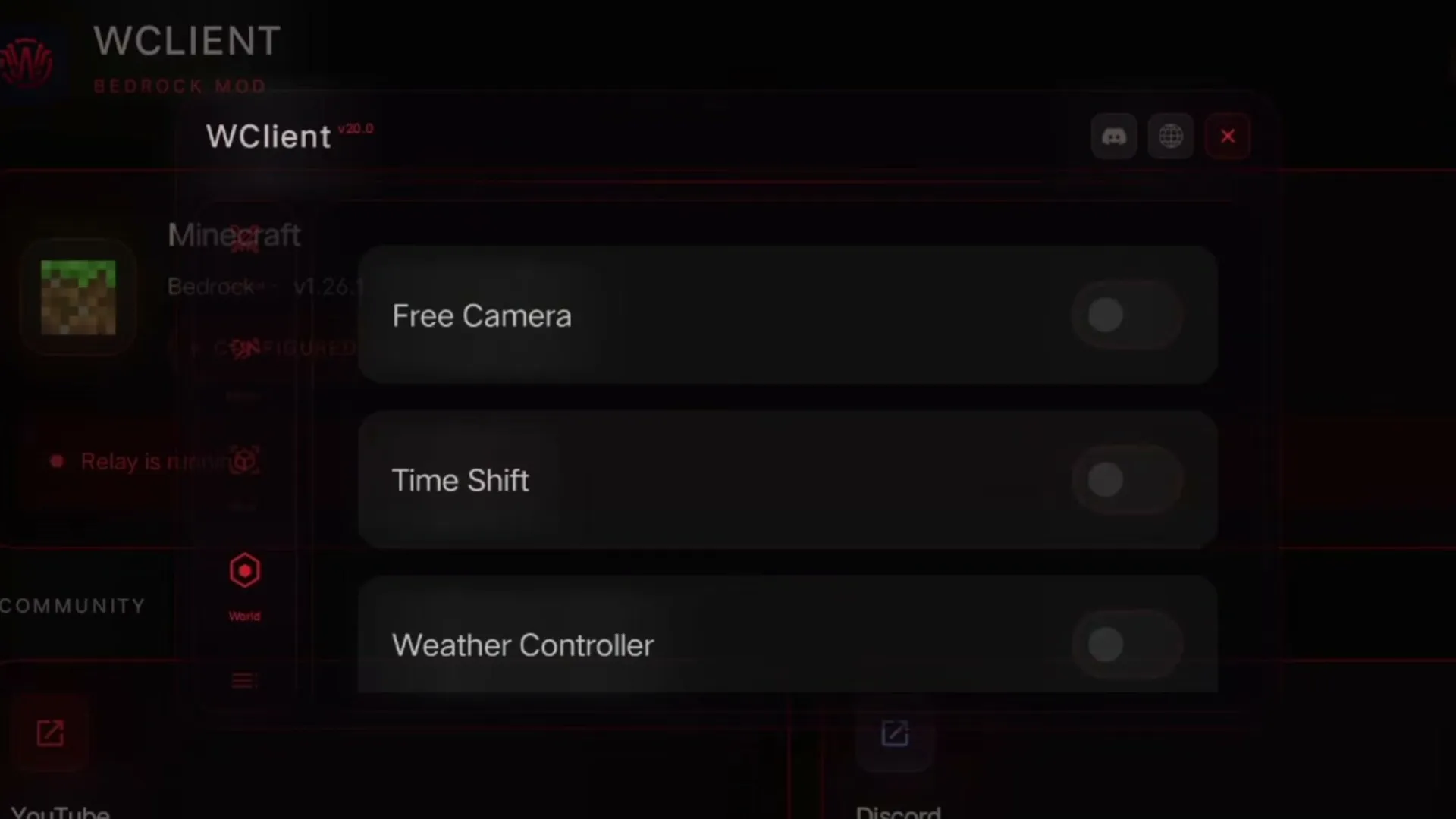 Free Camera, Time Shift, Weather Controller. Image: Retrived Gamer on YouTube
How to install W Client
- Download the APK at the end of this page and open it. Allow installs from your browser or file manager if Android asks.
- If Android says App not installed, uninstall the W Client you already have (a copy from another site is signed differently) and open the APK again.
- Keep your normal Minecraft installed — W Client starts it for you.
- Open W Client, pick a server from its list or add your own, and join. Tap the menu button in game to turn modules on.
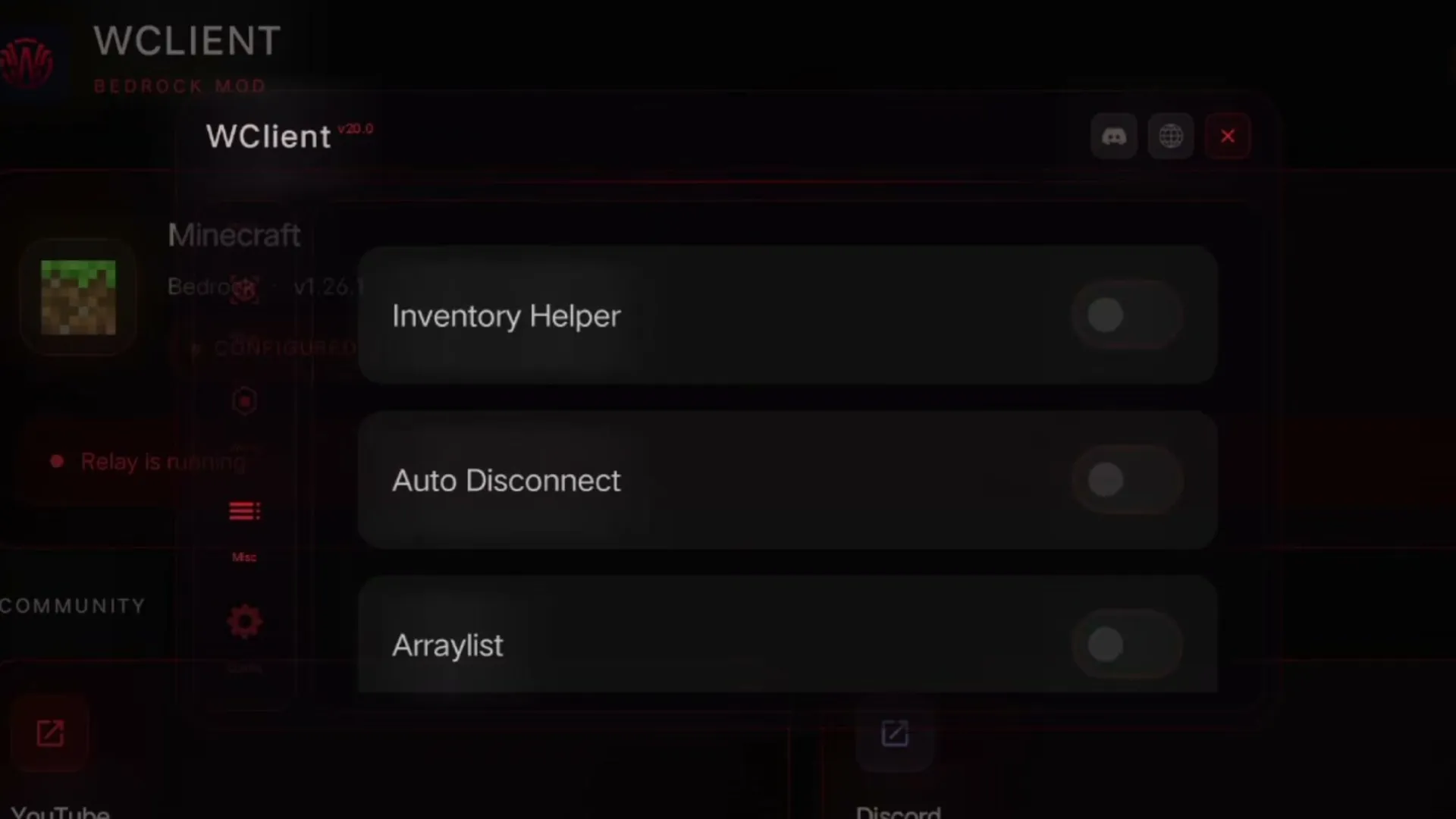 Inventory Helper, Auto Disconnect, ArrayList. Image: Retrived Gamer on YouTube
Good to know
- W Aura, Fly and the other combat and movement modules are cheats on most servers; anti-cheat can ban your account. Try them in your own worlds or where the rules allow clients.
- Realms may ask you to sign in again after you switch to W Client.
- The app tells you when a newer W Client is out; this page always carries the newest build.
- Want a client with no cheats at all? See Atlas Client.
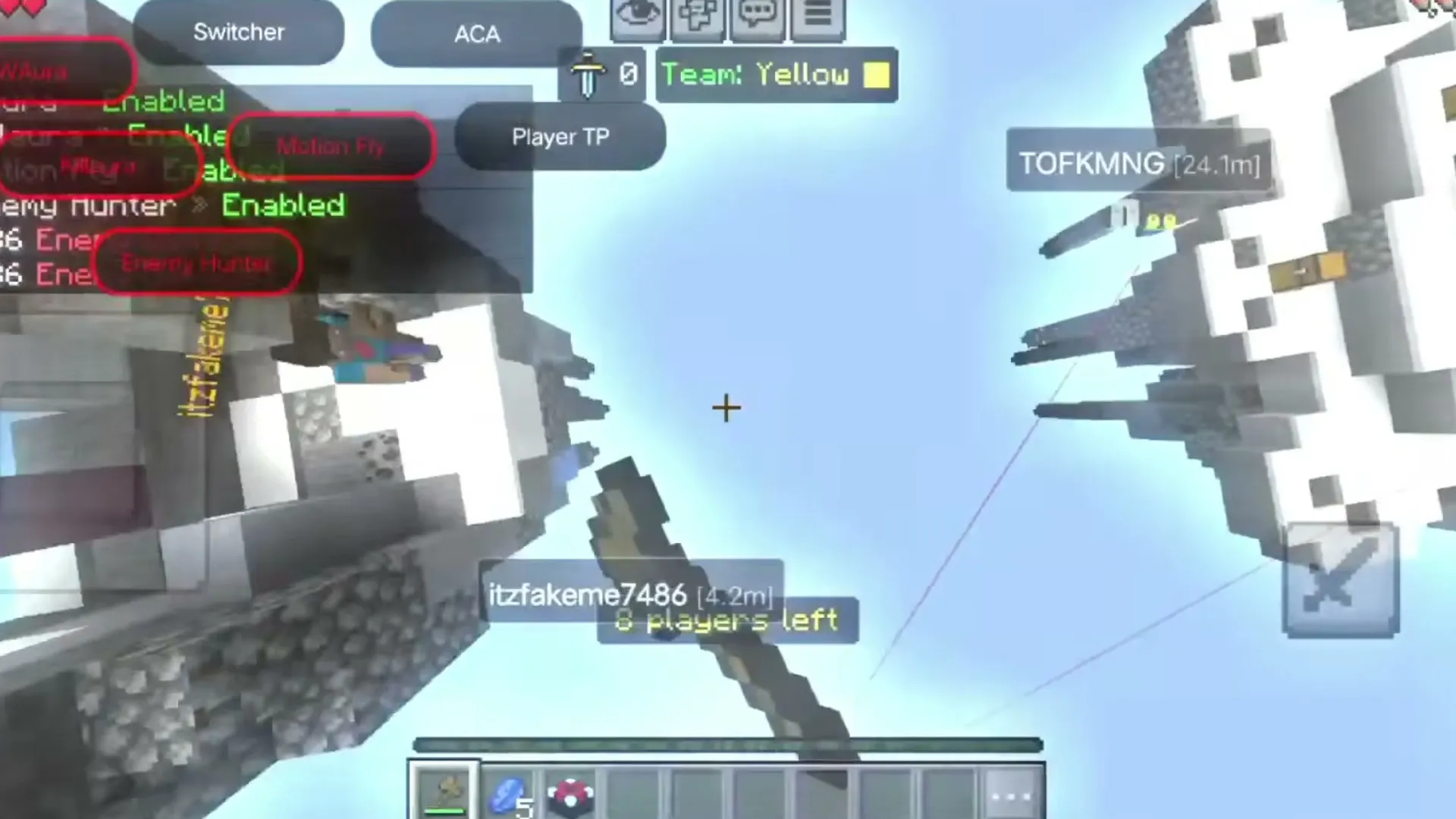 W Client in a Bed Wars match. Image: Retrived Gamer on YouTube
Download W Client APK — Hack Client & Toolbox for Minecraft PE (Android)
W-Client-39.0-Android.apk
Latest26.6216.69 MB · 22 Nov 2026
Download