Flarial Client — Free Minecraft Bedrock Client for Android & Windows
By the Flarial teamUpdated 20 Oct 2026
Download Flarial Client for Minecraft PE and Bedrock: a free utility client with 140+ modules — Keystrokes, CPS and FPS counters, ArmorHUD, Zoom, Motion Blur, Pack Changer and an FPS boost. Android app and Windows launcher.
Free, official files. Flarial Client for Minecraft PE on Android and Minecraft Bedrock on Windows 10/11, for every 26+ release. It is a utility client — HUD, FPS and quality-of-life tweaks — not a cheat client.
What is Flarial Client?
Flarial is a free client for Minecraft Bedrock that works much like OptiFine or Lunar Client do on Java: it adds an in-game menu (ClickGUI) with more than 140 modules you switch on while you play — HUD displays, visual tweaks, an FPS boost for weaker devices and small conveniences. It is made to follow Minecraft's rules, so it does not give you an unfair advantage on servers.
On Android, Flarial is its own app that starts your Minecraft with the client loaded. On Windows, you install the Flarial Launcher, which keeps the client up to date and loads it into the game when you press Inject.
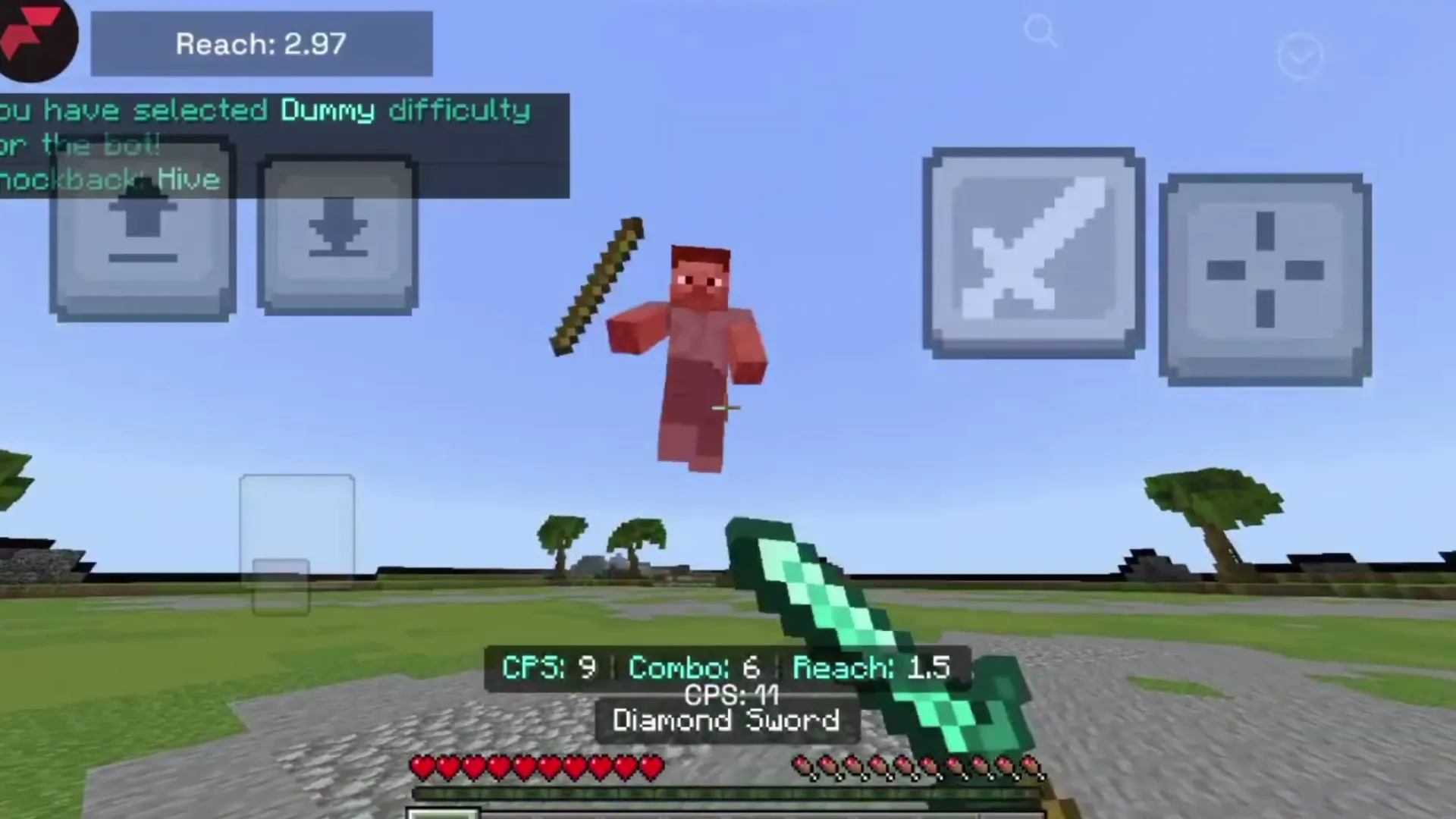 CPS, combo and reach counters on screen.
Features
- 140+ modules, all switched on and off from the in-game ClickGUI.
- HUD: Keystrokes, CPS, FPS and Ping counters, ArmorHUD, Combo and Reach counters, Hive stats.
- Visuals: Motion Blur, Zoom, Perspective, a 3D block outline, hurt colour and Fullbright.
- FPS boost and render tweaks for low-end phones and PCs.
- Pack Changer to swap resource packs and shaders without leaving your world.
- Better Inventory with Quick Move, Quick Drop and shulker box previews.
- Featured servers, a Replay Mod on Android, and Lua scripting with a script marketplace.
- The client is free; Flarial+ is an optional membership for cosmetics and early features.
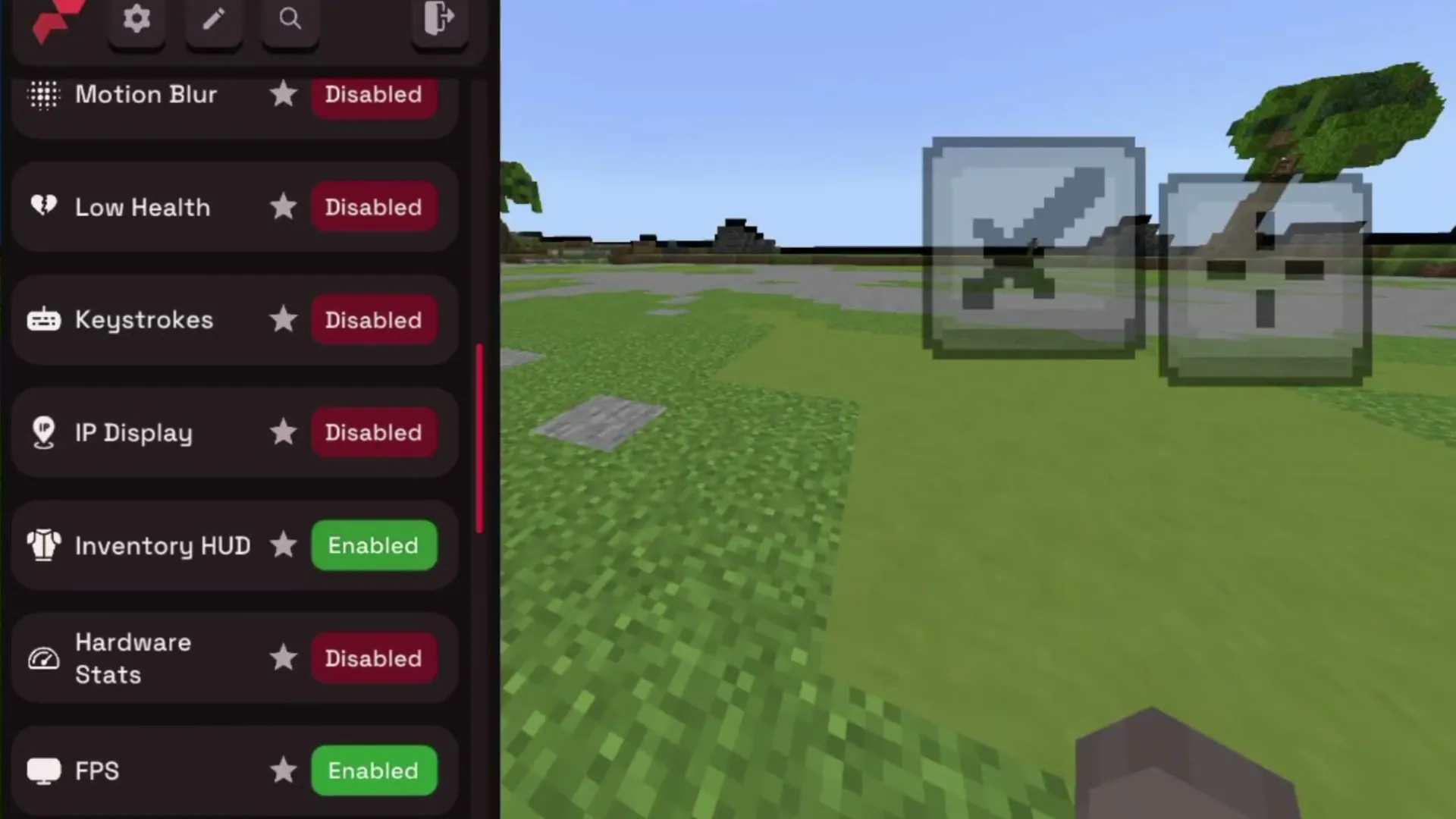 The module list on Android.
Which file do I need?
- Android —
Flarial-Client-1.3.14-Android.apk, the Flarial app (64-bit phones). Minecraft itself is not included: you need it installed already.
- Windows 10/11 —
Flarial-Launcher-Windows.exe, the small installer of the Flarial Launcher, which downloads the rest.
How to install Flarial Client
Android
- Make sure Minecraft is installed on your phone.
- Download the Android APK at the end of this page, open it and tap Install (allow unknown apps if Android asks).
- Open Flarial and launch Minecraft from the app.
- In game, tap the Flarial icon to open the ClickGUI.
Windows
- Download and run the Windows launcher installer.
- Open the Flarial Launcher and start Minecraft from it.
- Click Inject once the game has loaded, then press K in game to open the ClickGUI.
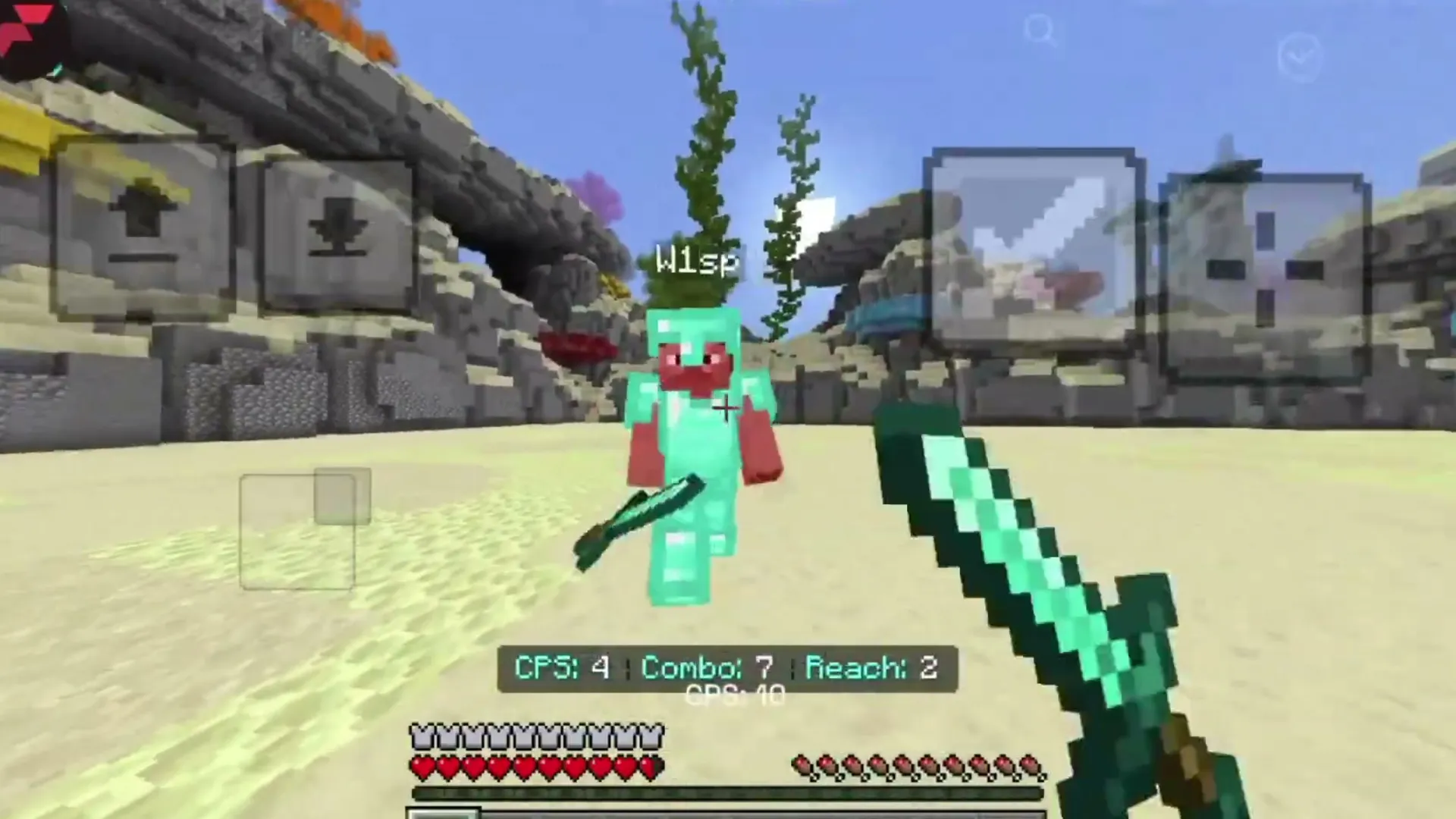 The HUD in a fight.
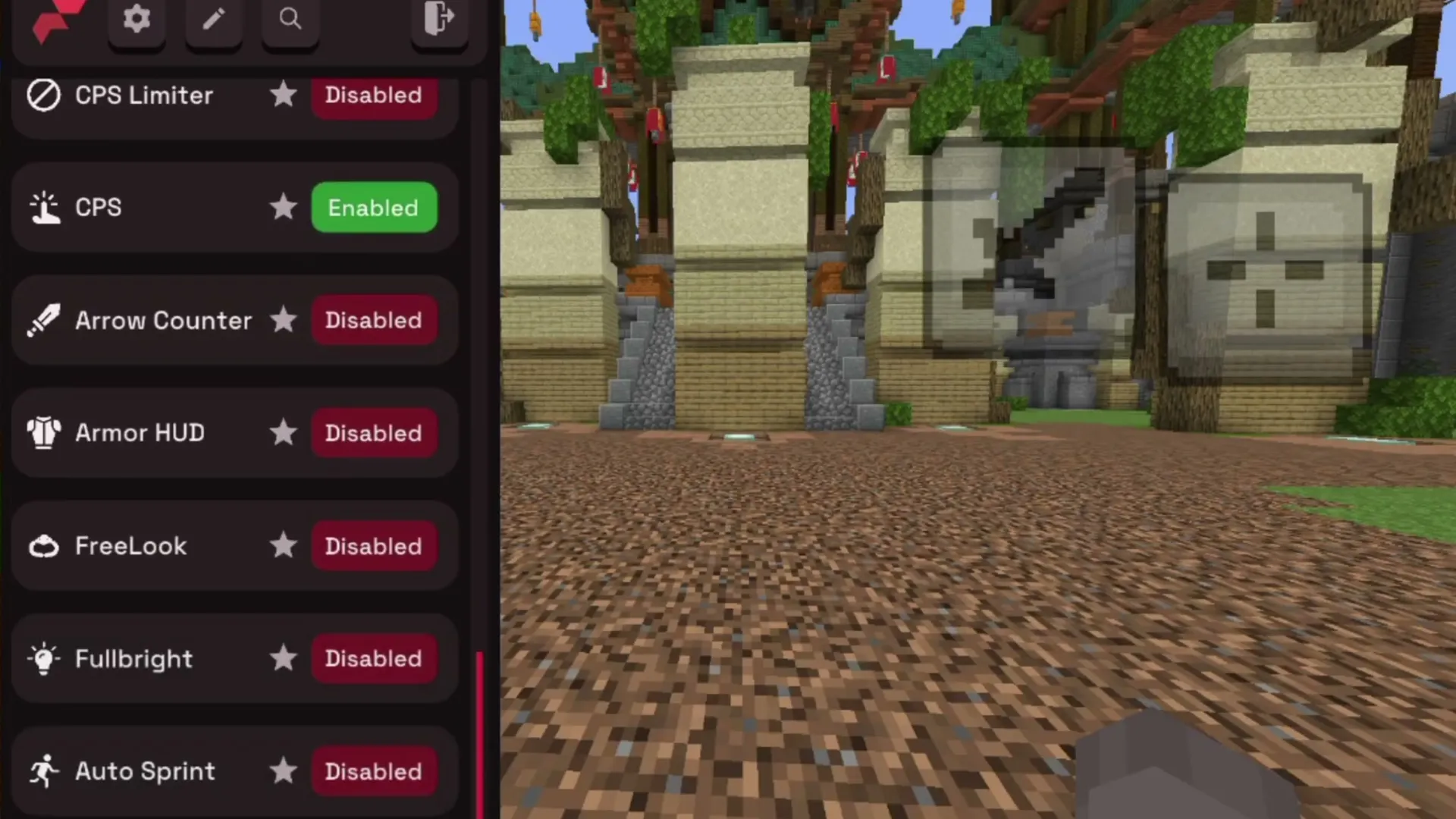 More modules: ArmorHUD, FreeLook, Fullbright, Auto Sprint.
Good to know
- Flarial follows each Minecraft release; the Windows launcher updates the client by itself.
- Want mods too? On Android, LeviLauncher runs native mods such as BedrockTools.
Download Flarial Client — Free Minecraft Bedrock Client for Android & Windows
Flarial-Client-1.3.14-Android.apk
Latest26.52+1226.52
26.51
26.50
26.40
26.30
26.20
26.13
26.12
26.11
26.10
26.3
26.0.02
26.023.78 MB · 14 Oct 2026
Download
Flarial-Launcher-Windows.exe
26.52+1226.52
26.51
26.50
26.40
26.30
26.20
26.13
26.12
26.11
26.10
26.3
26.0.02
26.00.03 MB · 14 Oct 2026
Download