Short answer: Install LeviLauncher, a free, open-source launcher for Windows 10 and 11. Open Download, pick the older Minecraft Bedrock version you want, install it and press Launch. Your normal Minecraft stays on the latest version. You need to own Minecraft Bedrock on your Microsoft account. LeviLauncher manages versions; it doesn't unlock the game.
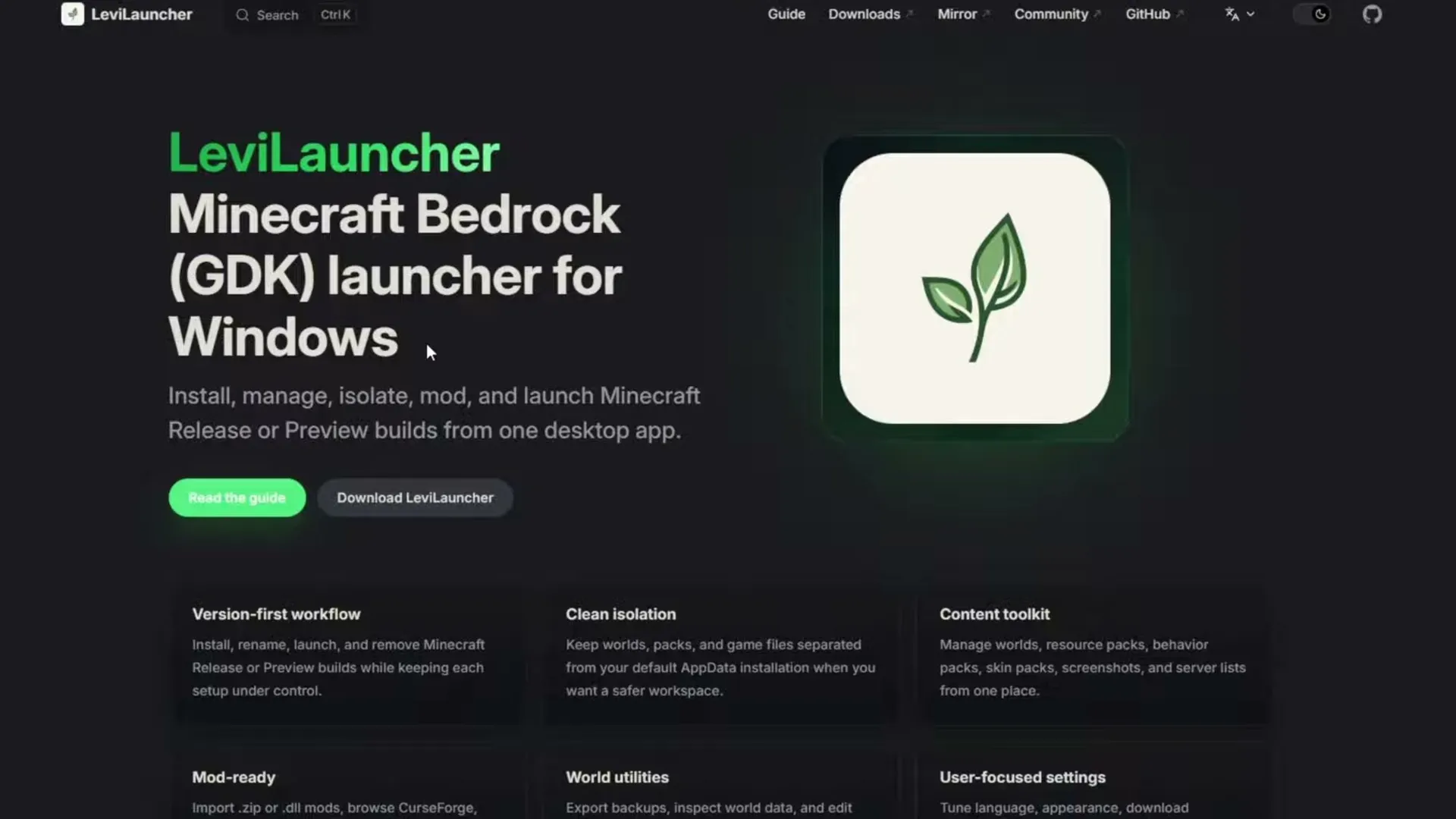 The LeviLauncher website, a Minecraft Bedrock GDK launcher for Windows. Image: Itsme on YouTube
Why you need a launcher to downgrade
On Java Edition you can pick any old version in the official launcher. On Bedrock you can't: the Microsoft Store and the Xbox app always update Minecraft to the newest version. To play an older one, for example because a mod, a map or a server only works on that version, you need a version manager.
Since version 1.21.120 (late 2025), Minecraft for Windows uses a new package format called GDK, and older version switchers stopped working with it. LeviLauncher supports GDK versions, so it covers all 26+ releases and previews. It can also install the older UWP versions from before 1.21.120.
What you need
- Windows 10 or Windows 11. LeviLauncher is Windows only.
- Minecraft Bedrock bought on your Microsoft account, and installed from the Microsoft Store or the Xbox app on this PC at least once.
- Gaming Services, GameInput and WebView2. Most PCs already have them. If one is missing, LeviLauncher tells you and helps you install it.
- An internet connection and a few GB of free space for each version you install.
- Only for the old UWP versions (before 1.21.120): Developer Mode turned on in Windows settings.
Step 1: Install LeviLauncher
- Download the LeviLauncher installer below. It is version 1.0.3 (September 22, 2026), the official file from LeviLauncher's GitHub page, unchanged.
LeviLauncher-1.0.3-amd64-installer.exeLatest36.68 MB
Download
- Open the file. Windows may show "Windows protected your PC", because the installer isn't signed. Click More info, then Run anyway.
- Finish the setup. If it asks to install WebView2 or another component, allow it.
LeviLauncher is made by LeviMC (LiteLDev on GitHub), and its official site is levilauncher.levimc.org. Avoid "LeviLauncher" downloads from other sites: they may be fakes.
Step 2: First launch
- Before you start, close Minecraft if it is open.
- Open LeviLauncher. On the first start it checks Gaming Services, GameInput and your Minecraft install. If something is missing, follow its prompt, then check again.
- Sign in with the Microsoft account that owns Minecraft. LeviLauncher uses it to confirm that you own the game.
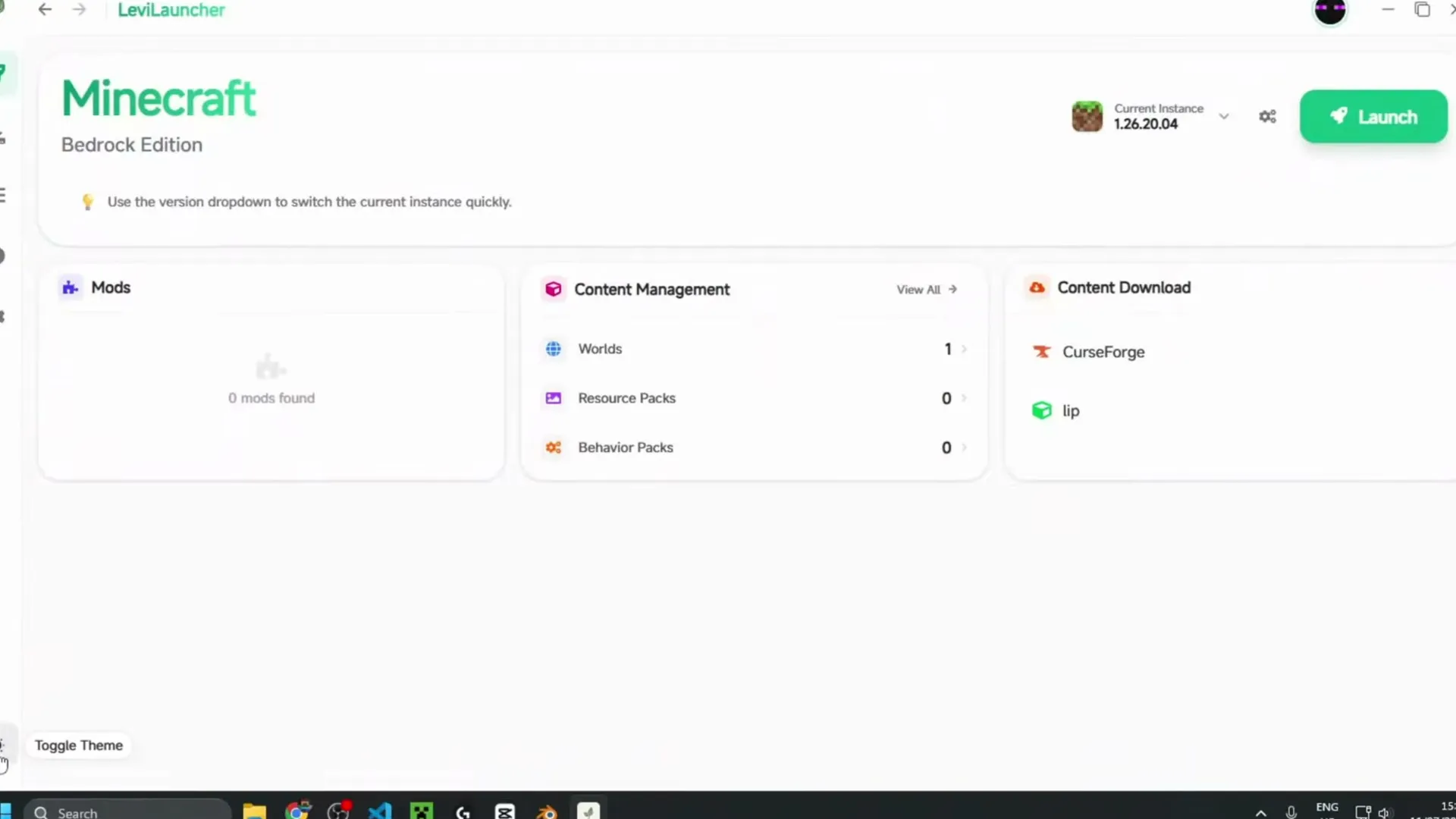 LeviLauncher on first start, in the light theme. Image: Itsme on YouTube
The launcher opens in a light theme. The moon button at the bottom of the sidebar switches it to dark.
Step 3: Download an older version
- Open Download in the sidebar. You get a list of every Minecraft Bedrock version, newest first. Release is a normal version, Preview is a beta.
- Find the version you want. Use the search box or the page numbers at the bottom. Version numbers start with 1. here, so 26.30 shows as 1.26.30.05.
- Click Download next to it. LeviLauncher picks the fastest mirror by itself.
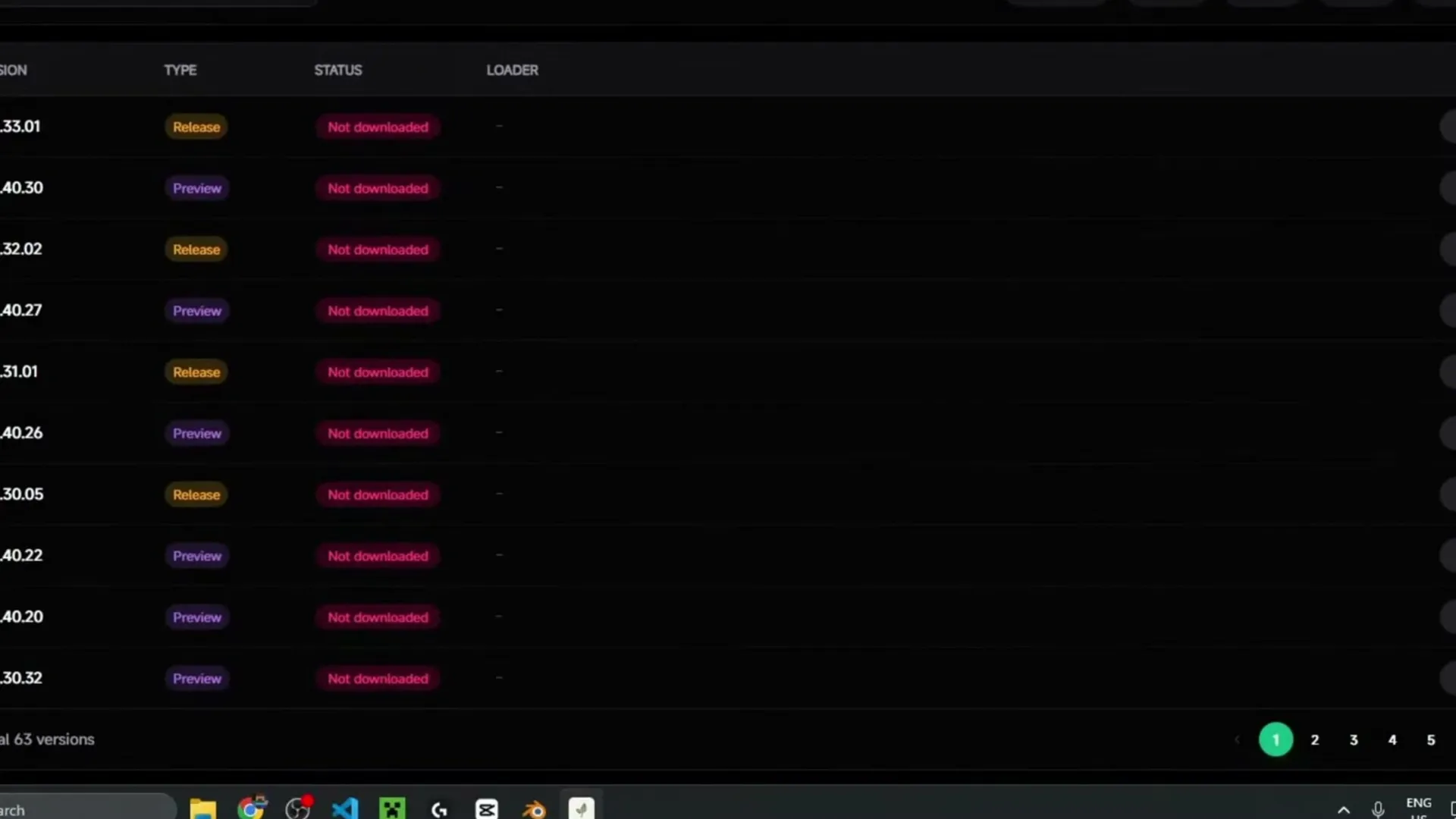 The Download page lists every Minecraft Bedrock release and preview. Image: Itsme on YouTube
Pick a Release for normal play. Previews are test builds and can break worlds, packs and mods.
Step 4: Install it
- When the download finishes, click Install on the same row.
- LeviLauncher asks whether to turn on isolation. Turn it on: that version then keeps its own worlds, packs and settings, apart from your main Minecraft. It is the safest way to play an older version.
- Wait for Install Complete. Installing takes longer than downloading.
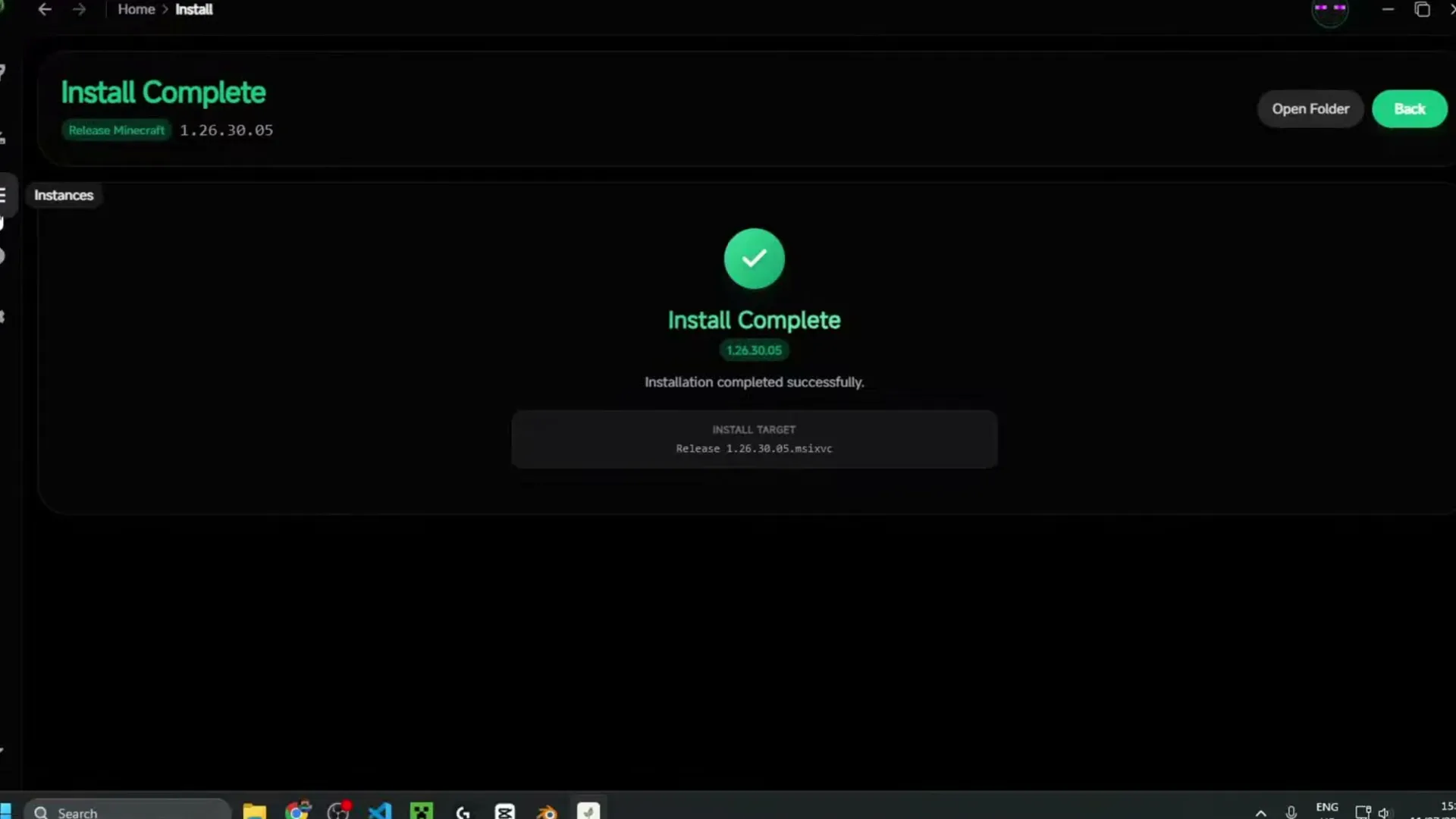 Install Complete after installing an older version. Image: Itsme on YouTube
Step 5: Launch the older version
- On the Home page, pick the version in the Current Instance menu next to the Launch button. You can also click it on the page that lists your installed versions (Instances).
- Press Launch.
- Minecraft starts on that version. The version number shows in the bottom corner of the title screen.
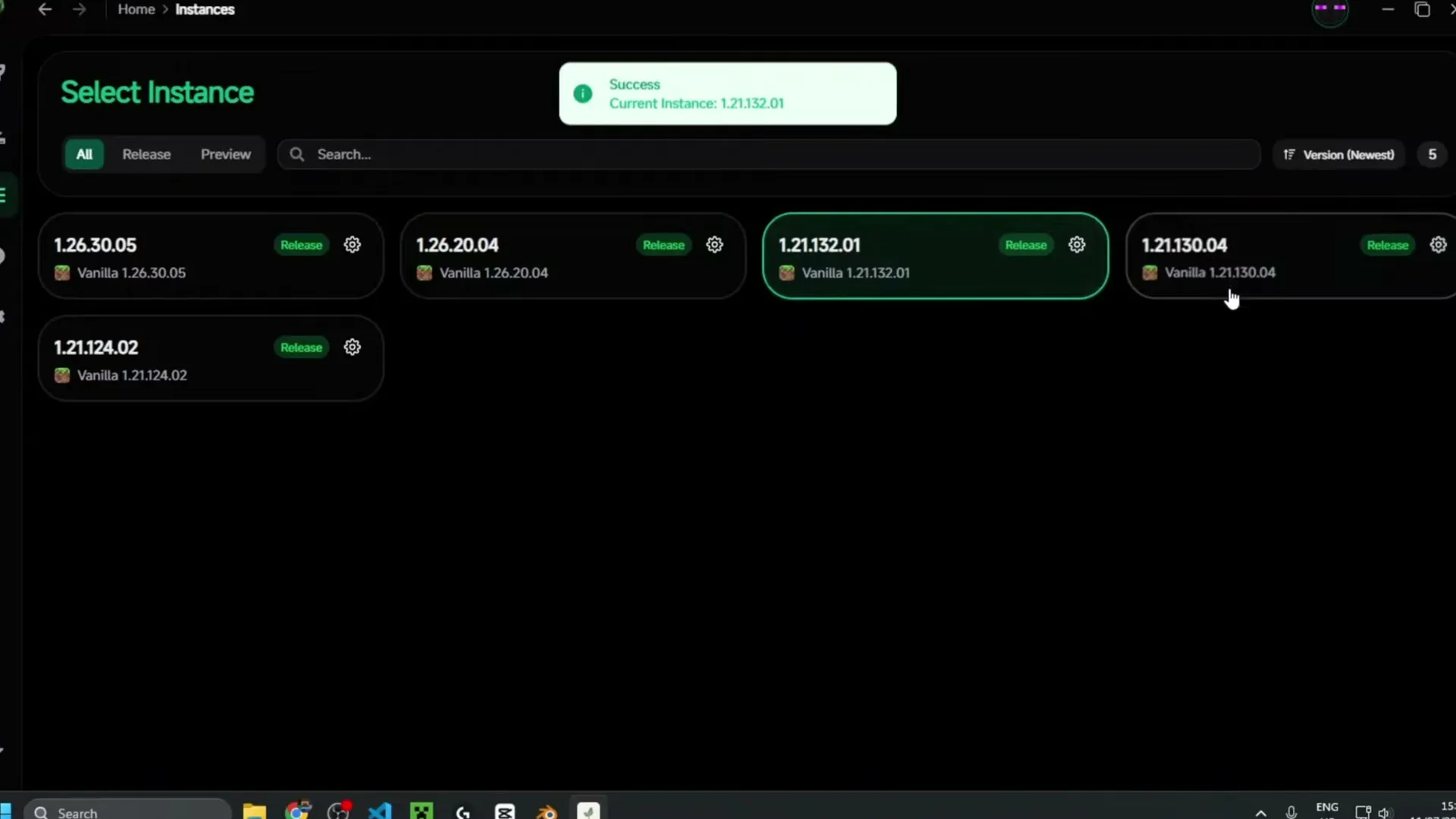 Installed versions, with 1.21.132 picked as the current instance. Image: Itsme on YouTube
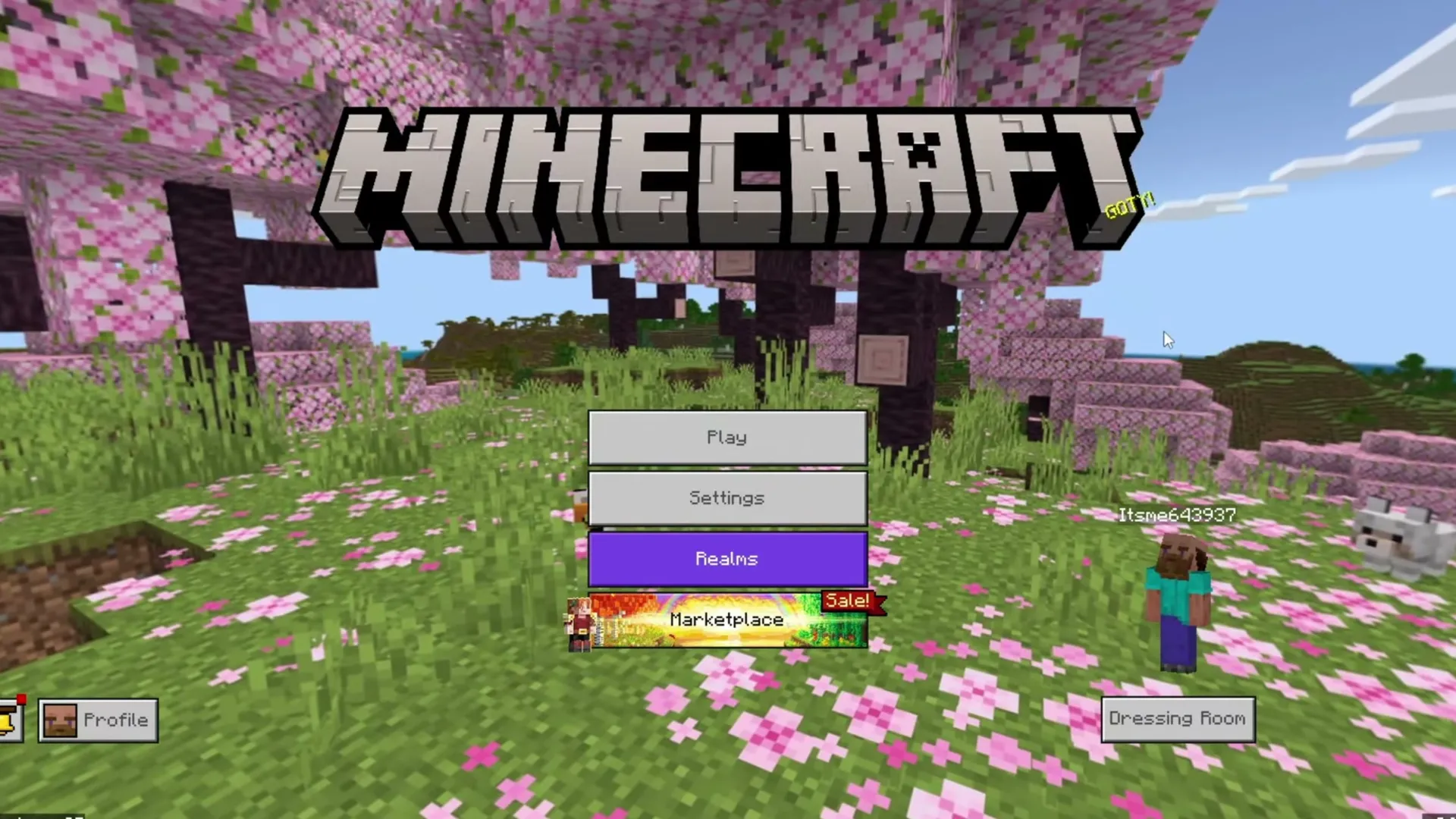 Minecraft starting on the older version. Image: Itsme on YouTube
You can install as many versions as you like and switch between them in a few seconds. A version you have already installed launches right away, with no second install. Minecraft from the Microsoft Store or the Xbox app isn't touched: open it there and it still starts the latest version.
Keep your worlds safe
- Don't open your main world in an older version. A world saved in a newer version can lose blocks or fail to load in an older one, and opening it there can damage it. Copy the world first, or use a new world.
- Use isolation (Step 4), so the older version has its own worlds.
- Back up first. LeviLauncher can export a world as a .mcworld backup from its world tools. For a manual copy, your worlds are in
%APPDATA%\Minecraft Bedrock\Users\<your number>\games\com.mojang\minecraftWorlds. Each world is a folder with a random name; the levelname.txt file inside has the world's name.
- Online play. Realms and most servers only accept the newest version, so an older version is mostly for single player, LAN and servers that run that version.
Mods, packs and worlds inside LeviLauncher
Each version has its own content page. You can manage worlds, resource packs, behavior packs, skin packs, screenshots and your server list, and browse CurseForge content from inside the launcher. LeviLauncher also loads .dll mods for PC, which it injects when you launch that version. Try one mod at a time on an isolated version first.
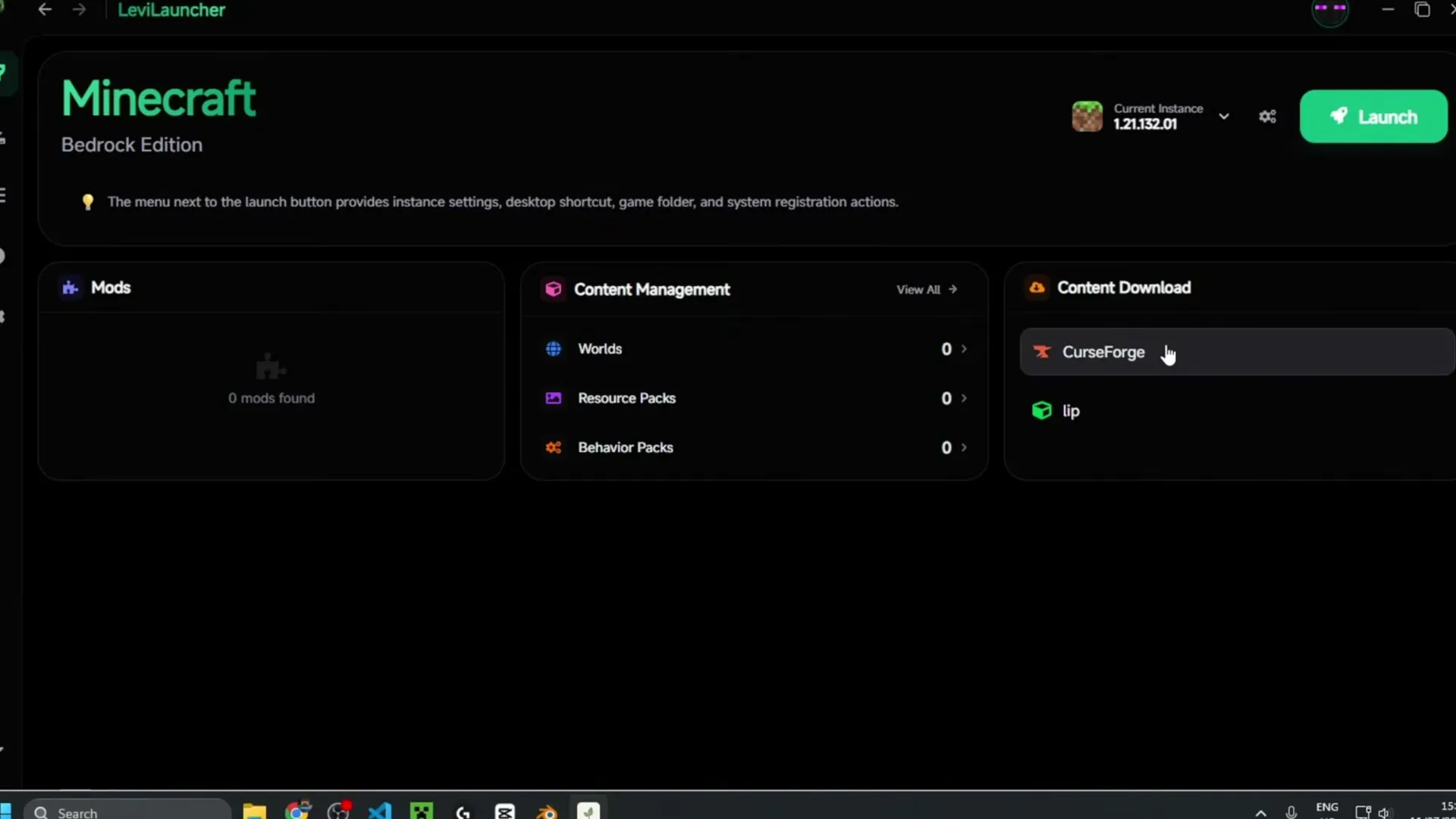 The Home page: mods, worlds, packs and CurseForge content for the current version. Image: Itsme on YouTube
For shaders on PC, see BetterRenderDragon. For more add-ons, browse our mods and texture packs.
If something goes wrong
- "Gaming Services" or "GameInput" is missing: install or repair it when LeviLauncher asks, then restart the launcher.
- Minecraft isn't detected: check that you are signed in with the account that owns Minecraft, and that the game was installed from the Microsoft Store or Xbox app on this PC at least once.
- Downloads are slow or fail: switch to another mirror on the Download page, check your free space, or try again later.
- "Path is not writable": move the launcher's content folder to another drive in its Settings.
- LeviLauncher closes right away: start it once more. If it keeps closing, its log is in
%APPDATA%\levilauncher.exe\logs\startup.log, and the developers ask for that file when you report the bug on GitHub.
- A version won't start: remove its mods, then try a fresh isolated install of the same version.
Other ways to get a PC version
For the old UWP versions (1.21.11x and earlier), Bedrock Launcher is another free version switcher. To install Minecraft Bedrock on PC, see our Minecraft Bedrock for PC page.
Frequently asked questions
Is LeviLauncher safe?
LeviLauncher is open source (GPL-3.0), so anyone can read its code on GitHub, and it is made by LeviMC, the team behind the LeviLamina mod loader. Download it only from its GitHub page or official site.
Is the file here the same as on GitHub?
Yes. It is LeviLauncher-amd64-installer.exe from the version 1.0.3 release on GitHub, unchanged. SHA-256: 668bdbc6c699def53de5509e6ede41aaedaa982197b2ca69733858e9b3dcc025, the same checksum GitHub lists for it.
Is LeviLauncher free? Does it need a Minecraft license?
The launcher is free, but you need to own Minecraft Bedrock on your Microsoft account. LeviLauncher doesn't unlock or crack the game.
Can I downgrade Minecraft Bedrock without a launcher?
Not on Windows. The Microsoft Store and the Xbox app always install the newest version.
Will LeviLauncher replace my Minecraft?
No. Your Store or Xbox app install stays on the latest version. LeviLauncher's versions are installed separately.
Is there a LeviLauncher for Android or iPhone?
The Windows LeviLauncher is PC only. The same team makes a separate Android app, also called LeviLauncher, for Android 9 or newer on 64-bit phones. It needs Minecraft bought on Google Play. Download and setup: LeviLauncher APK for Android. There is no iPhone version.
Can I play on Realms with an older version?
Usually not. Realms and most servers require the newest version of Minecraft.
Sources: LeviLauncher's official documentation and GitHub releases (version 1.0.3, September 2026). LeviLauncher is free software by LeviMC under the GPL-3.0 license; its source code is on GitHub at LiteLDev/LeviLauncher. Pictures from the video "LeviLauncher for Minecraft Bedrock Edition: Downgrade on GDK" by Itsme, recorded on an earlier LeviLauncher version, so some screens may look a little different.